 Slimbot
PHP vulnerability and Slimbot: what does this mean for you?
Two critical PHP vulnerabilities (PHP2Shell): what is known, what we are doing and what you can do for your own website. Updated on 21-10-2026.
Read the news →Customer questions after an outage or leak: how to handle them
Shared inbox, a fixed status message and an assistant for initial questions, whilst urgent matters stay with a human.
Read article →Slimbot or the WhatsApp Business app: which suits your business?
What can the free WhatsApp Business app do, and when do you need more? Comparison with Slimbot: team, AI, email and phone, with pricing.
Read article →WhatsApp Business with multiple team members: how to do it
Multiple colleagues on one WhatsApp number: four options compared, from linked devices to a shared inbox, with steps and pitfalls.
Read article →Shared inbox for WhatsApp and e-mail: how to set it up
How to put WhatsApp and e-mail in one shared inbox: steps, labels, ground rules and what it costs. For SME teams, in plain English.
Read article →Setting up automatic replies on WhatsApp: step by step
Set up welcome and away messages in the WhatsApp Business app, with example texts, and what you do when you want more than a fixed text.
Read article →Having appointments made via WhatsApp: how to arrange it
Letting customers book an appointment via WhatsApp: step-by-step guide, example conversation, reminders against no-shows and what you can and cannot automate.
Read article →Catching missed calls: five ways for SMEs
Missing calls on site or outside office hours? Five ways to catch missed calls, from voicemail to AI receptionist, compared.
Read article →AI chatbot for your website or for WhatsApp: which do you choose?
What suits your customers: a chatbot on the website or on WhatsApp? Differences in reach, use, costs and privacy, with a decision guide.
Read article →Slimbot or Trengo: what suits your team?
Slimbot and Trengo side by side: channels, pricing model and who they suit best. Data from Trengo's own site, checked on 21-10-2026.
Read article →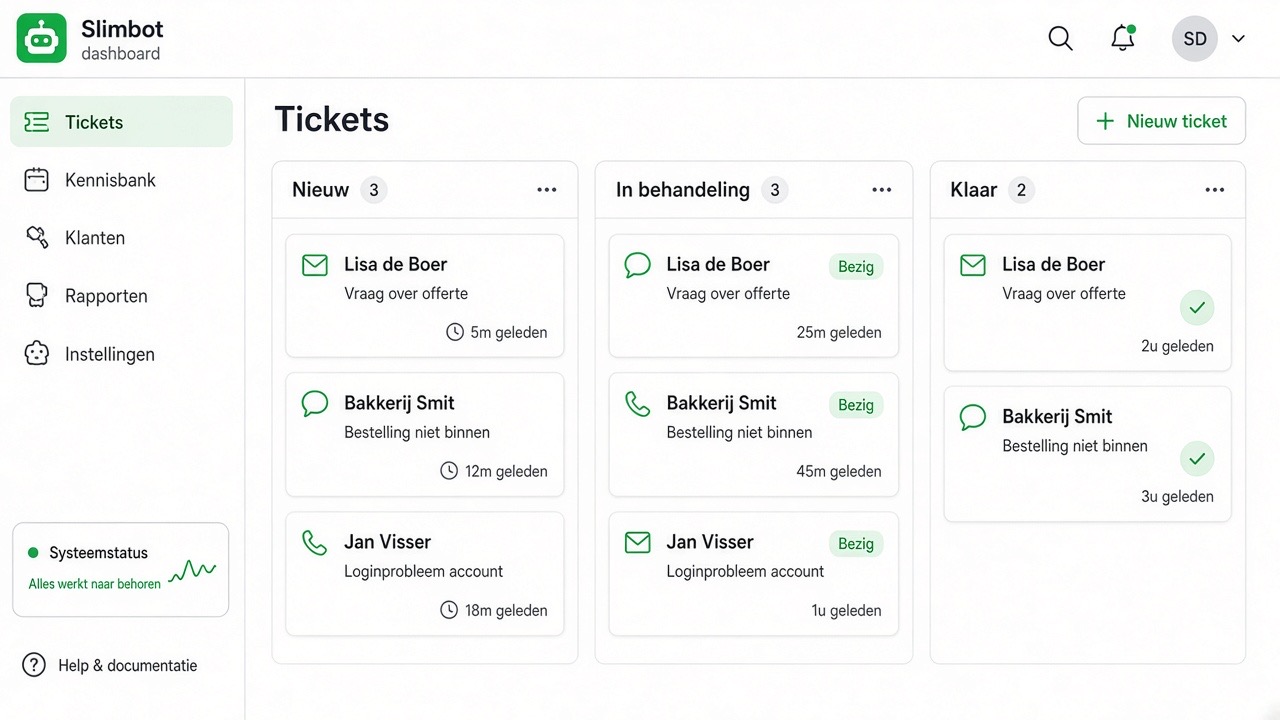
Product showcase — all screens in one overview
View all app screens (mobile & desktop): inbox, broadcast, appointments, labels, payment links, chatbot and 15+ more tools — with navigation per section and lightbox.
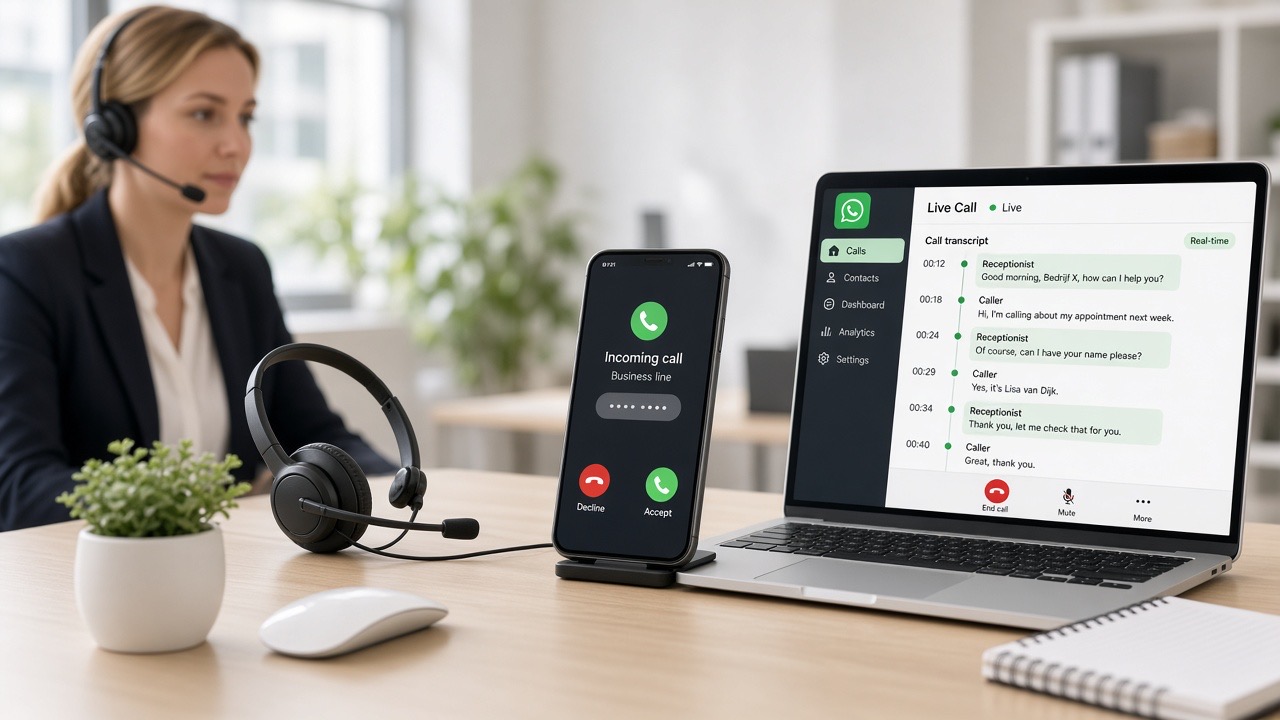
AI receptionist for locksmiths: emergency 24/7
Locked-out customers call until someone picks up. The assistant answers and asks for address, lock and photo straight away.
Read article →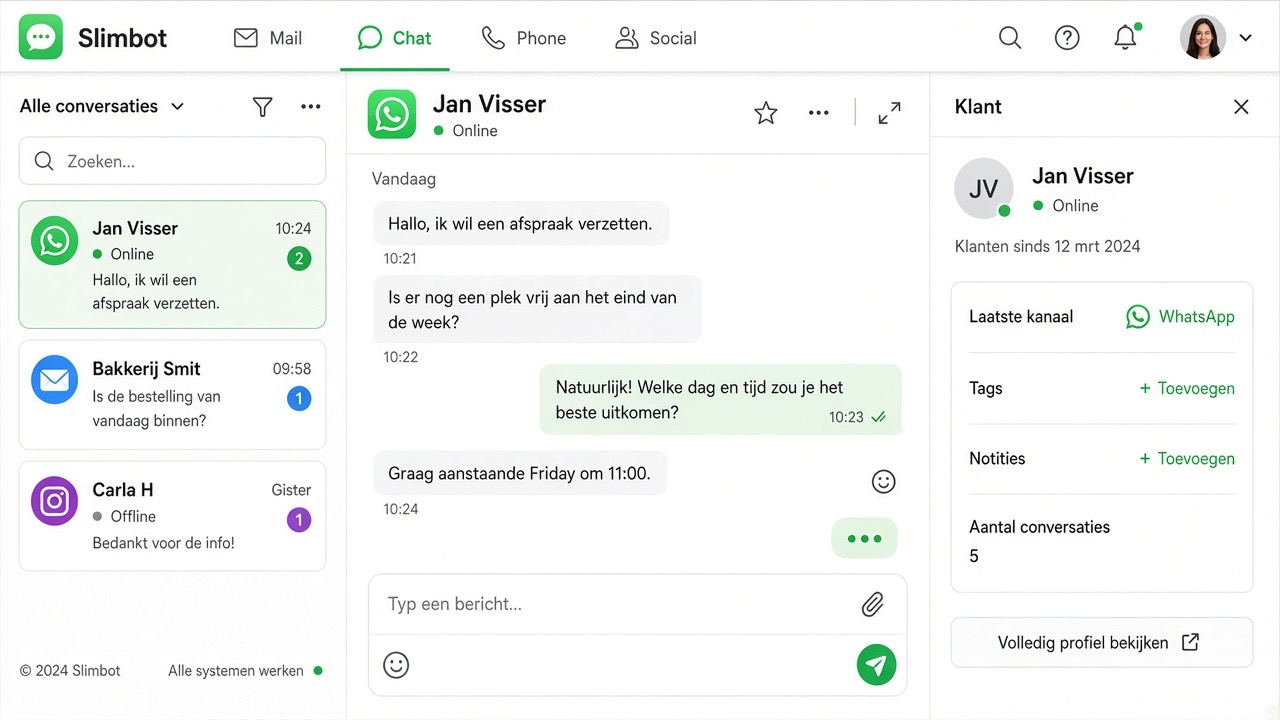
Locksmith: from message to paid invoice
Notification, price upfront, payment link on site, invoice and review request: the entire job in one system.
Read article →AI receptionist: what is it and what does it do?
Answers calls, answers questions and books appointments, even outside office hours. What it can and cannot do, and who it works for.
Read article →AI receptionist for tradespeople and installers
On the scaffolding you cannot answer. This is how an AI receptionist takes down the job and books an appointment.
Read article →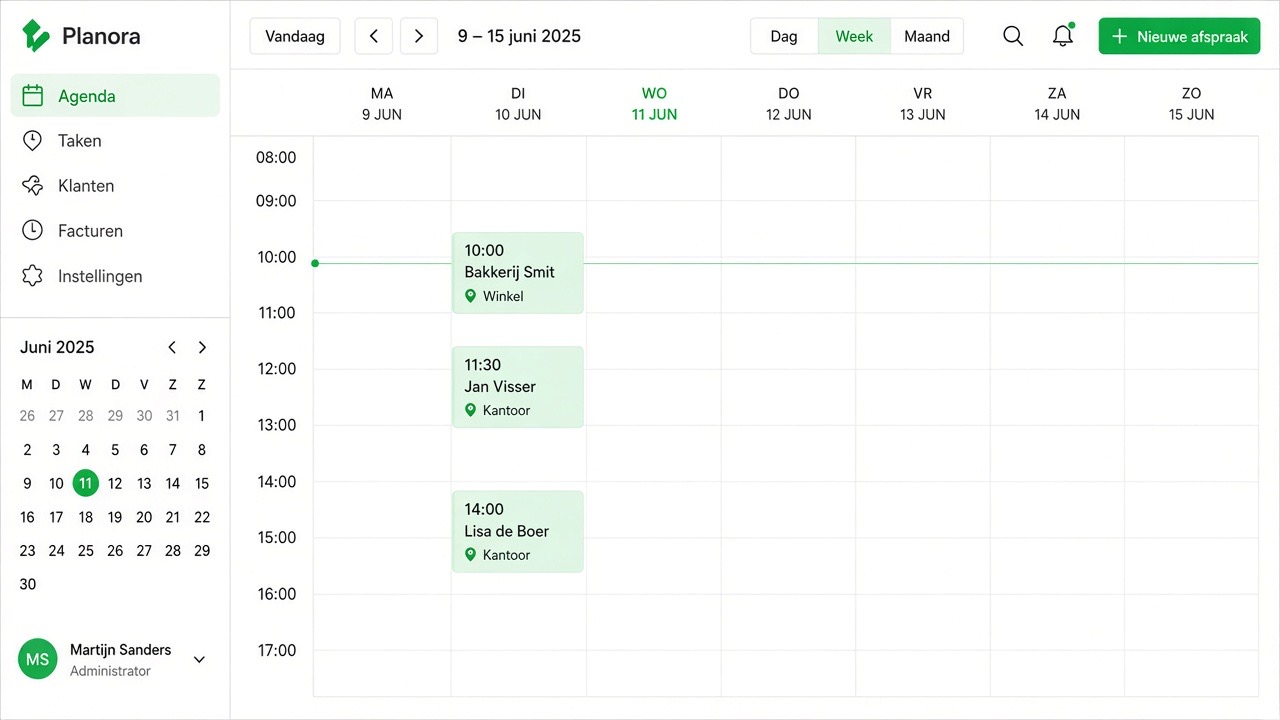
AI assistant for hairdressers: appointments whilst you cut
WhatsApp and phone answered, reminders the day before and bringing customers back after a few weeks.
Read article →WhatsApp for car garages: MOT and maintenance
MOT reminders, approval for extra work with a photo, and the rules and costs of WhatsApp.
Read article →What is a voice note?
Voice messages in WhatsApp explained: recording, faster playback, reading as text, and business use.
Read article →24-hour window & templates: the rules
Free typing within 24 hours · Meta templates after that · quick replies vs approved templates — clearly explained.
Read article →Send automatic order updates via WhatsApp
How you communicate order confirmation, dispatch and delivery automatically and personally.
Read article →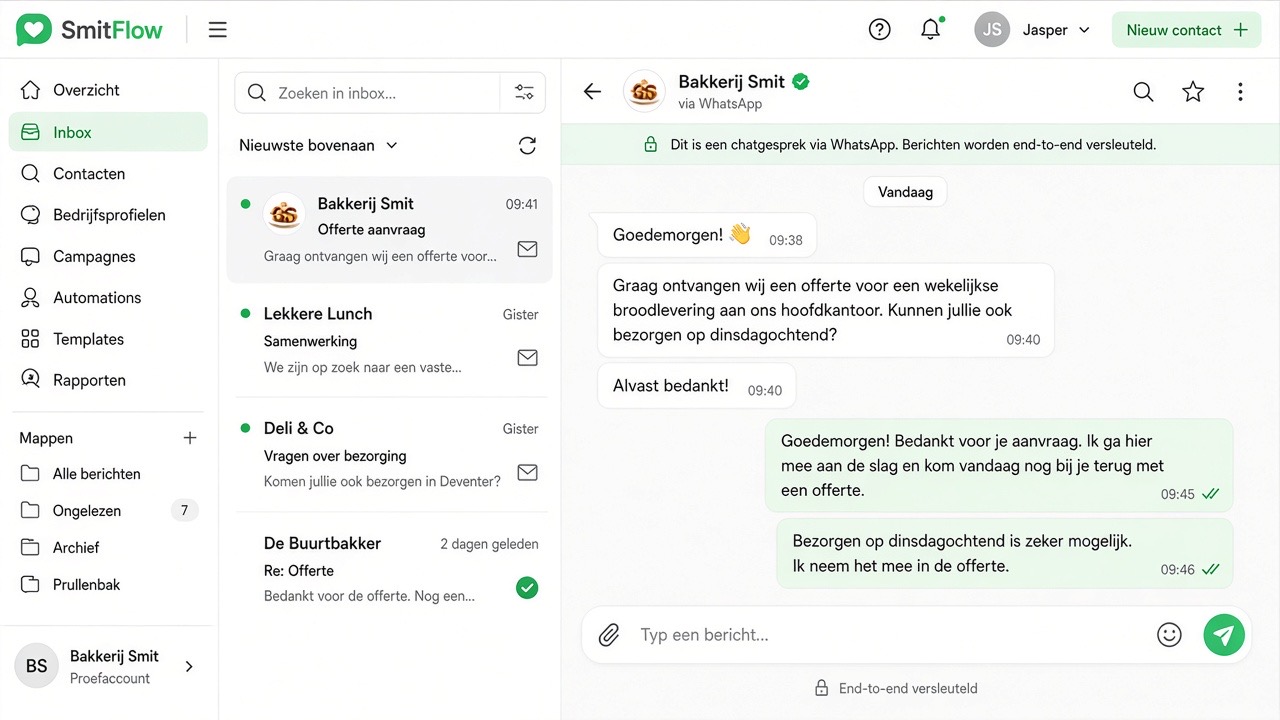
WhatsApp vs. e-mail: the numbers that change everything
98% open rate vs. 22%. Why WhatsApp is the new standard for customer communication.
Read article →5 ways to reduce no-shows with WhatsApp
From automatic reminders to YES/NO confirmations: concrete approaches that work.
Read article →
Smart bot or sly bot? That's Slimbot
Why Google shows other brands, and where Agent, voice assistant and team chat are.
Read article →Connect WhatsApp via the official API (with coexistence)
Keep your own number and your app, without ban risk — the Meta-approved way.
Read article →
Meta Business verification: what you need
Which documents Meta requests, and why everything must match exactly to avoid rejection.
Read article →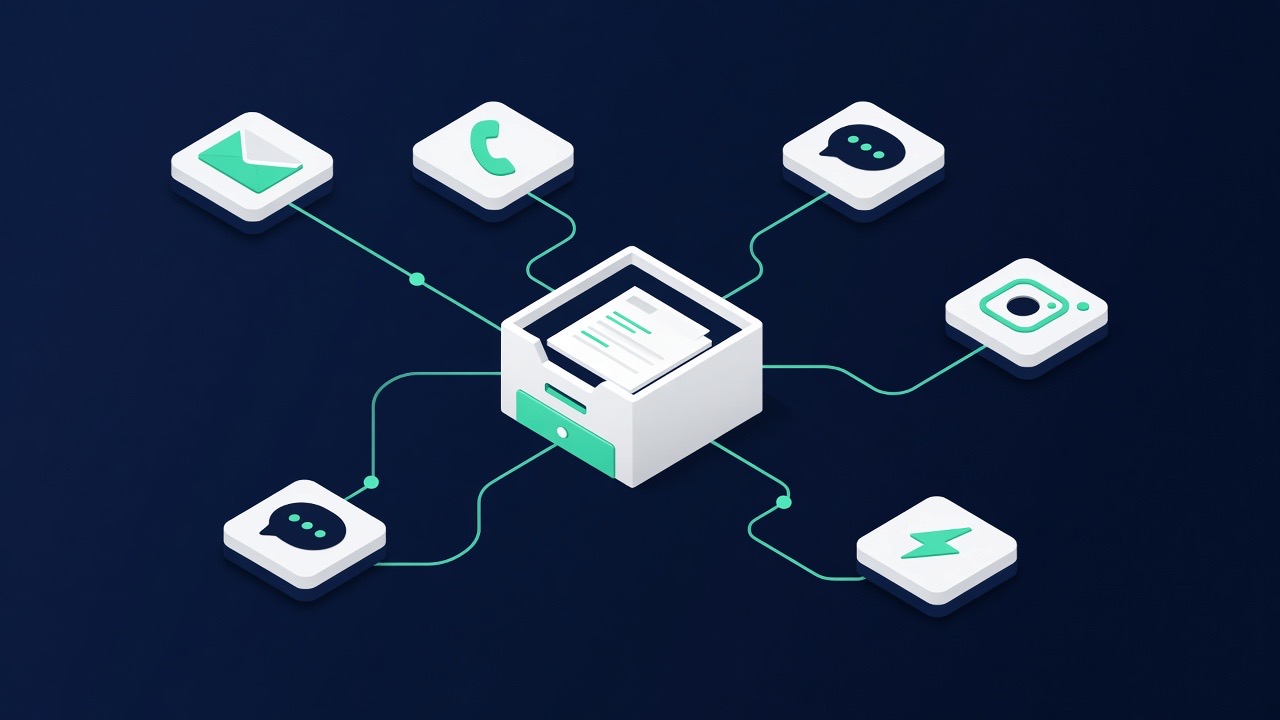
Inbound vs. outbound: safely read along and officially send
Which use is safe, and when do you need the official API? Honestly explained.
Read article →Coexistence: your app and the official API on one number
What you keep (your number and your app) and which small limitations come with it.
Read article →What does the WhatsApp Business API really cost?
New from 1 October 2026: 1,000 free service messages per number per month, then per message. The current model explained.
Read article →GDPR & opt-out: WhatsApp within the rules
Consent, opt-out (STOP), retention periods and the data processing agreement — explained practically.
Read article →Connecting your own WhatsApp number
QR steps, try-out vs Starter, and why you never see a shared platform number.
Read article →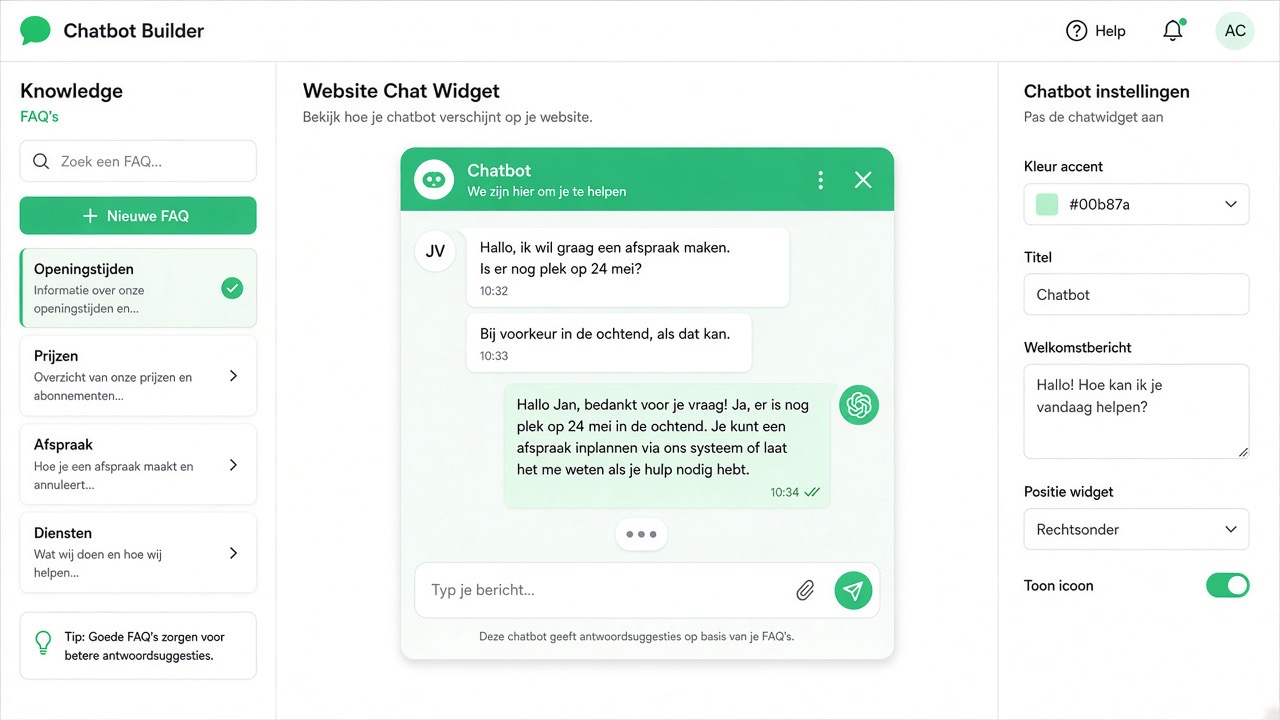
Train bot: knowledge base + persona
FAQ and persona in Slimbot — your assistant, your tone of voice.
Read article →Choosing a voice for your assistant
TTS preview, voice notes and persona voices from Pro onwards.
Read article →Channels: WhatsApp, e-mail, SMS, phone, chat
Manage everything via Slimbot under your brand — status, setup and deep links.
Read article →SMS or WhatsApp? When does which channel work
SMS arrives without an app and without internet, WhatsApp is cheaper and richer — and the combination works best.
Read article →Keep WhatsApp Business or Cloud API?
App integration vs fully managed Cloud — inbound works on both, when do you choose what?
Read article →