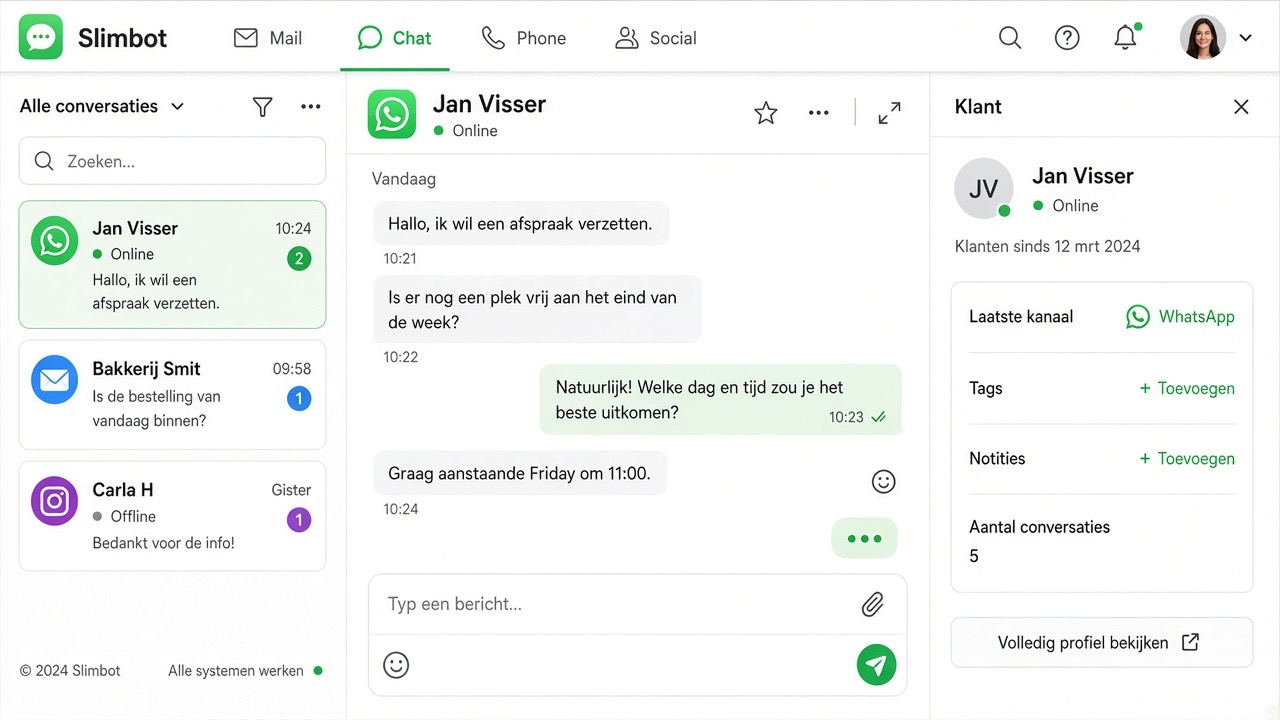
Many business owners want to keep their existing WhatsApp Business app and use Slimbot. That's possible. You don't have to choose between your phone and a shared inbox — unless you consciously opt for Cloud because of templates and scale.
App or Cloud — the same inbox.
Short answer: do you want to keep the app on your phone? Choose app connection (QR). Do you want to work without a phone, with approved templates and a team in one inbox? Choose WhatsApp Cloud.
Two tracks — choose what suits you
Most popular
App integration (QR)
You scan a QR code — like WhatsApp Web. Your phone remains the device. Messages arrive in Slimbot and on your phone.
If this number moves entirely to Cloud, the WhatsApp Business app on the phone for that number can stop. Chat history does not transfer automatically. Export important chats beforehand (Settings → Chats → Export chat).
Sometimes coexistence is possible (app + Cloud on the same number). We don't promise that as standard — we check per number what Meta allows.
Comparison
App integration
WhatsApp Cloud
Phone / app
Remains active
Often not, unless coexistence
Inbox in Slimbot
Yes
Yes
Start time
Minutes
Days (review)
First message to new contact
Via the app, or limited
Approved template
Team on one number
Shared inbox
Shared inbox
Ideal for
SMEs, keep existing app
Scale, campaigns, no app maintenance
Hybrid: QR first, Cloud later
Many customers start with app integration and switch later when templates and volume are needed. The inbox remains the same place. You fill in new Cloud templates yourself — see Message templates (log in).
Frequently asked questions
Will I lose my number?
No. With app integration, the number stays on your phone. With Cloud, the same number remains, but the app can stop for that number. An additional Cloud number is sometimes cleaner if the current app must remain untouched.
Can my team view along?
Yes. Team members log in to Slimbot and see the same conversations — with both QR and Cloud. You can turn AI off.
Do I need hundreds of templates?
No. Per Cloud number, 8 to 15 approved messages usually suffice. Additional texts within 24 hours are quick replies.
 Slimbot