Slimbot is Dutch software-as-a-service: WhatsApp, e-mail, Instagram, Messenger, phone and website chat in one team inbox. Under your brand, Dutch servers, GDPR. AI allowed — not required.
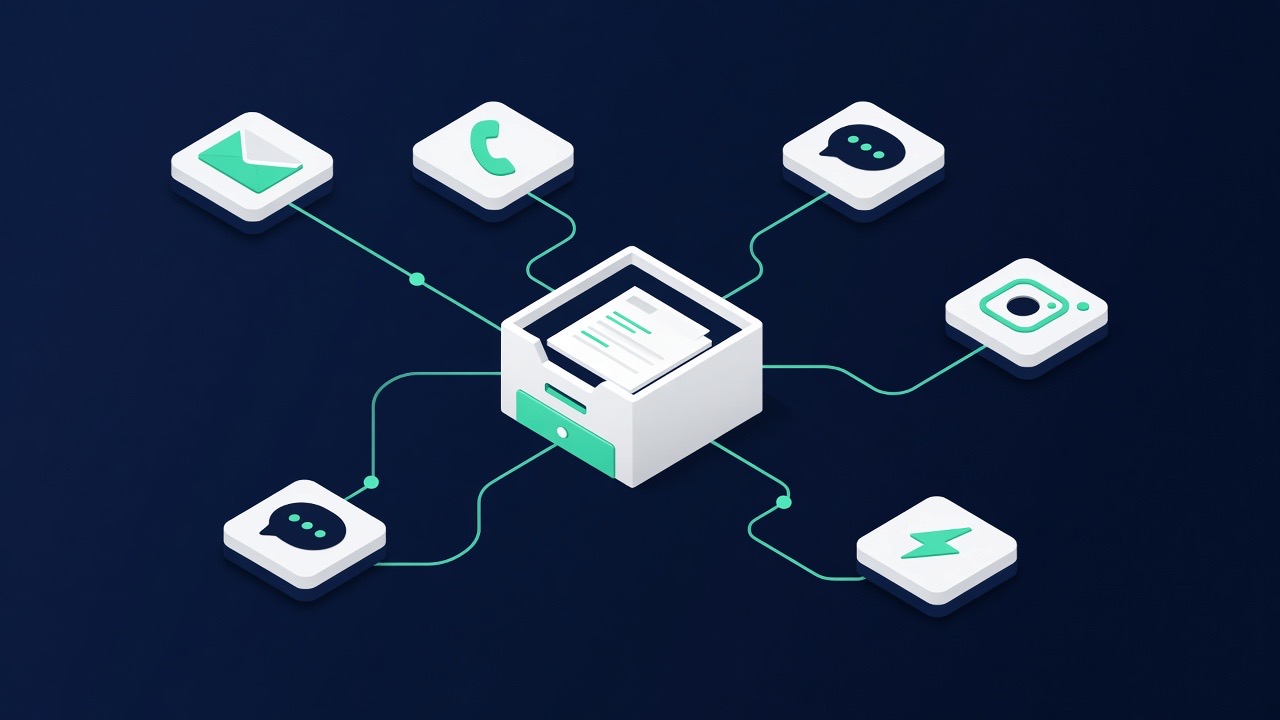
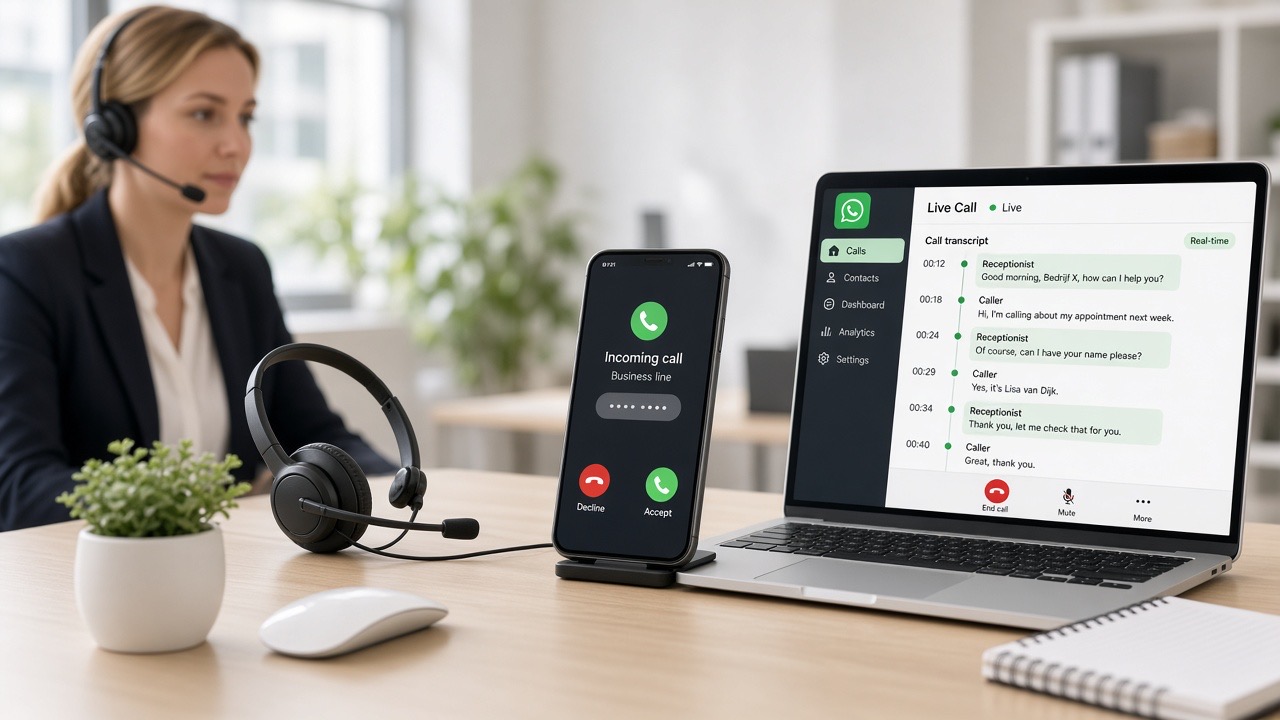
In short: customer contact under your brand — WhatsApp, e-mail, phone, chat and website via one login. Inbox, AI (optional), appointments and follow-ups in one place.
Four clear layers. You don't need to be an API or Meta developer to get started.
To your existing business number. Opening hours or not — the message comes in to Slimbot.
The assistant uses your knowledge base (FAQ, services, prices, opening hours). Unsure? The conversation goes to your team inbox.
Scheduling appointments, setting labels, quick replies, review requests, catalogues — tools you switch on yourself when you need them.
Dashboard with chats, contacts, statistics and team roles. Everything on Dutch servers, with permissions per team member.
Most businesses are operational the same day. This is the standard route.
Go to slimbot.nl → choose AI on/off, website (index own / create / later) and a plan. Then dashboard access.
Connect WhatsApp (QR or Cloud). In Platform → Channels you'll see e-mail, phone, website chat and website — activate what you need.
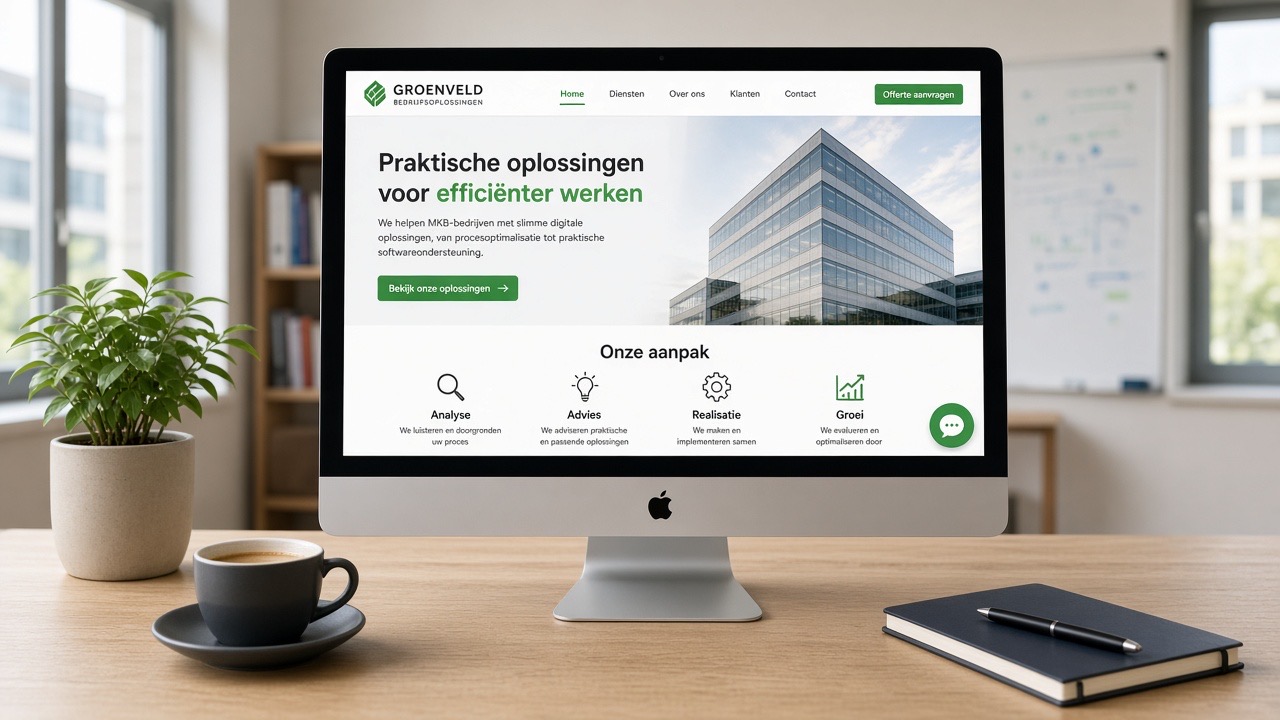
Train the bot with FAQs, or index your website as a knowledge base. No site? Open the website builder in Slimbot.
Message yourself (or a colleague) a few typical questions. Check if answers are correct. Adjust the knowledge base until it feels right.
Invite colleagues, prepare labels/quick replies, and activate only tools you actually use (appointments, reviews, catalogue…).
Everything you need to run customer contact properly — without five separate tools.
WhatsApp, e-mail, phone, website chat and website — status and deep links in one overview (Platform).
In dashboardIndex your own site as a knowledge base, or create a new site in Slimbot (same login).
Train / WebsiteShared team inbox, assign to colleagues, notes, read/unread. WhatsApp, e-mail and social in one overview. Works on desktop and mobile.
From StarterAnswers with your knowledge base. You decide the tone — or turn AI off and work with inbox only.
OptionalPhone line, Cloud API templates and business e-mail — expand when you're ready.
BusinessData on Dutch servers. Not a "free tool from the US". Clear roles and logging.
All plansCancel monthly. Current prices — no hidden per-message costs in the basic plans.
Full comparison table: slimbot.nl/pakketten
Data stays closer to home. Suitable for GDPR-conscious organisations.
Support in Dutch — no ticket queue in a different time zone as standard.
Customers message you. No "powered by random SaaS" in the conversation.
Start simple. Only switch on Cloud API, calling or e-mail when you're ready.
Download the PDF for your team, or go straight to the plans page.
