 Slimbot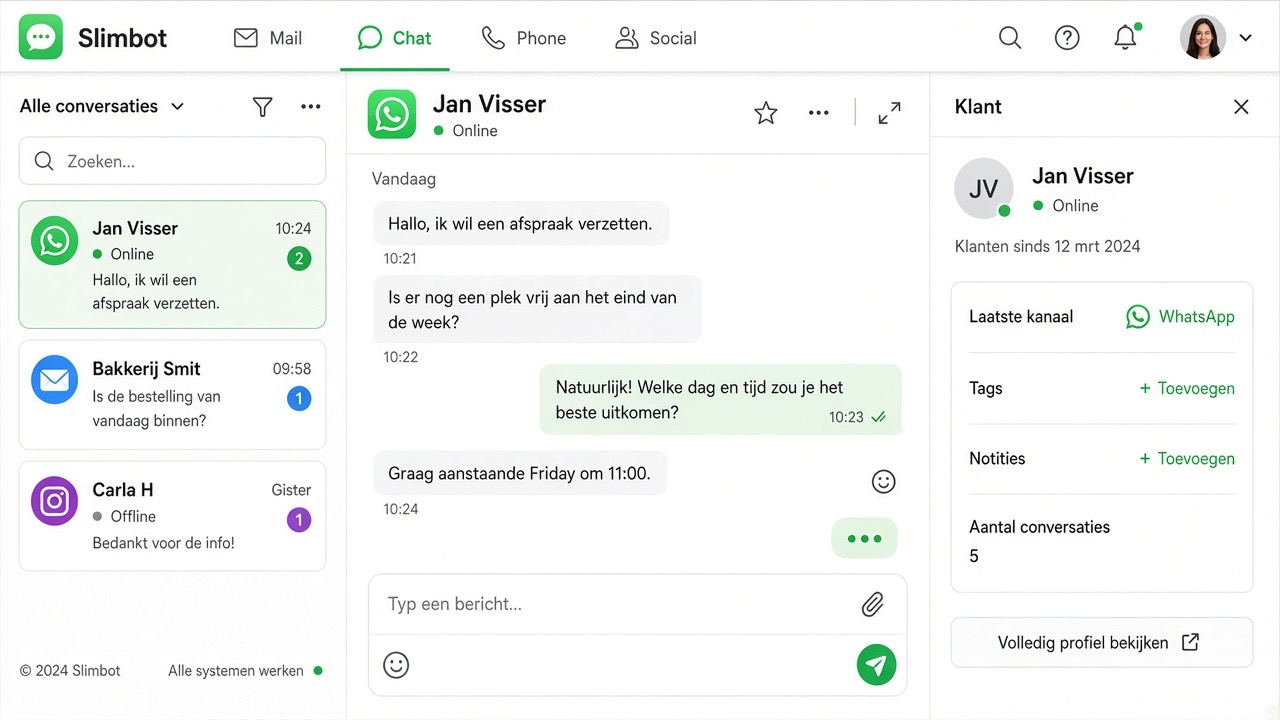
With WhatsApp Cloud (official API), fixed WhatsApp rules apply. These apply to everyone — even if you use Slimbot. Below is exactly what you may do, when, and which buttons belong to each.
The golden rule
As soon as a customer sends you a message, you have 24 hours to reply freely (plain text, photos, quick replies). Has that 24 hours passed? Then you may only reach the customer with an approved Meta template. If the customer replies to it, the window opens again.
Two types of "templates" — don't confuse them
| Quick replies | Meta templates | |
|---|---|---|
| What is it? | Your own quick texts (internal) | Pre-approved messages via WhatsApp Cloud |
| When to use? | Within 24 hours of a customer message | Always possible — required outside 24 hours |
| Where to create? | Inbox → As template · or Quick replies | Template management (approval required) |
| Variables | {{first}} / {{name}} (Slimbot fills in) | Meta input fields (name, order number…) |
| Team chat | Yes — internal, customer doesn't see this | No — those go to the customer via the inbox |
What do you see in Slimbot?
- Green indicator — window open, you may type.
- Bar "24-hour window closed" or lock icon — choose a Meta template (button or ⋮ menu).
- As template (message menu / type field) — saves text as quick reply, not as Meta template.
- AI suggestions → Save — also a quick reply; outside 24 hours you still send via Meta.
Welcome & first messages
A "welcome message" to someone who has never messaged you can only be sent via an approved Meta template (usually category Utility or Marketing, depending on the content). No marketing templates without consent. Service messages about an ongoing matter are something different — ask support if in doubt.
Team chat vs. WhatsApp to the customer
Team chat is internal: colleagues and AI. No Meta 24-hour rules apply there. As soon as you want to send something to the customer, you open the WhatsApp conversation in the inbox — the Cloud rules above do apply there.
Frequently asked questions
Why can't I type anything? The 24-hour window is closed. Choose a Meta template; once the customer replies, you can type freely again.
I've created a quick reply — why doesn't it work outside 24 hours? Quick replies are not Meta templates. Outside the window only approved Cloud templates.
Do replies within 24 hours cost anything on WhatsApp? Not until 30 September 2026. From 1 October 2026, the first 1,000 replies per number per month are free; above that, Meta charges per message (in the Netherlands about 4 cents). Utility templates within the window will also cost money then. See the cost explanation.
Get started straight away
Open inbox · Template management · Quick replies · Inbox manual