 Slimbot
All requests in one inbox
Messages from your website, e-mail and WhatsApp in one place, with each message showing which property it concerns.
With a new property, questions flood in: via the website, e-mail and WhatsApp, often in the evening. Slimbot puts them in one inbox, helps schedule viewings and remembers what you've discussed with each contact. Bids and prices remain in your own hands.
Good evening, I saw the house on Lindelaan. Can I come and view it next week?
Good evening, great that you're interested! Next week we can do Wednesday at 17.30 or Thursday at 12.00. Which time suits you?
"Can I view the property on Saturday?"
Offer available times from the calendar and confirm, with address and reminder.
"Can you send the brochure?"
Send directly in the conversation; you see that the request has been handled.
"I want to sell my house, what is it worth?"
The assistant asks for the address and preferred period and schedules a valuation. It doesn't mention a value; the estate agent does that.
"Have there been any bids yet?"
No answer from the assistant, the question goes as a task to the selling agent.
"Thanks again for the viewing yesterday."
Follow-up on the customer card, with a draft follow-up message for you to check.
CustomerGood evening, I saw the house on Lindelaan. Can I come and view it this week?
AssistantGood evening, lovely that you're interested! This coming week we can do Wednesday at 17.30 or Thursday at 12.00. Which time suits you?
CustomerWednesday 17.30 please. There'll be two of us.
AssistantNoted: Wednesday 17.30, with two people. You will receive a confirmation and the brochure shortly. See you Wednesday!
Choose a question and see how the assistant responds. These are pre-written example answers (not live AI). In your own account, the assistant bases itself on your own data, and you decide whether an answer goes automatically or for approval first.
Choose a question on the left to start the conversation.
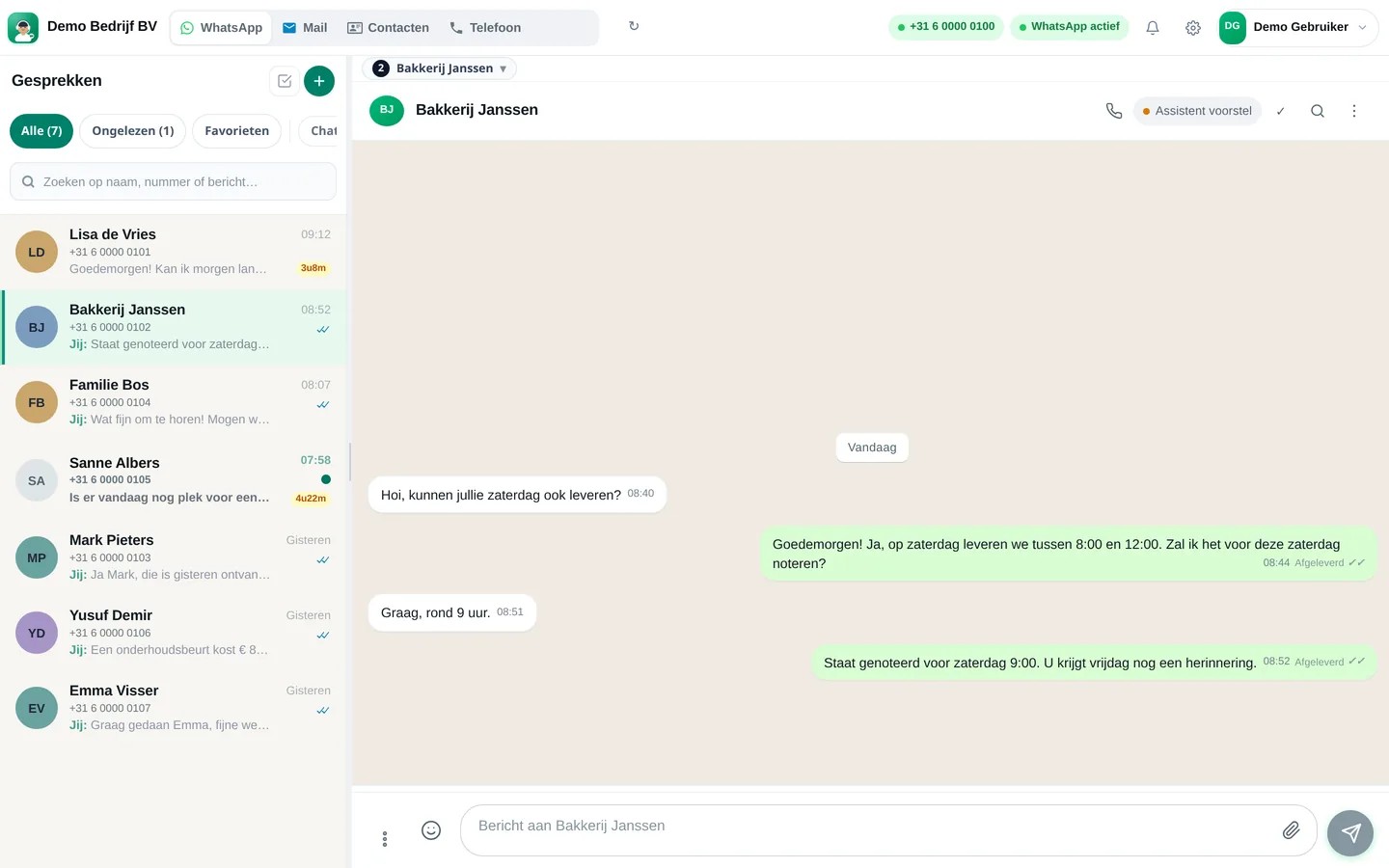
Screenshots from a demo account with example conversations. Not real customers.

From sign-up to working channel. You keep your own number.
Business WhatsApp, e-mail, website chat and your team's diary.
Brochures, viewing times and what the assistant may answer.
Every request to the right estate agent, with the property attached.
Features that Slimbot has today. No promises we don't keep.
Messages from your website, e-mail and WhatsApp in one place, with each message showing which property it concerns.
The assistant offers available slots from your connected calendar and puts the appointment in it, with a reminder for the visitor.
Standard questions about a property are answered by the assistant from the details you have entered yourself.
What someone is looking for, which properties have been viewed and what has been agreed. Useful when a buyer returns two months later.
A brief request for a review after the key handover, at a time you choose yourself.
Answer three short questions and see which plan and features we recommend. It's an indication: you choose yourself, and you can cancel monthly.
Two calculators with your own input and visible formula, and answer templates to use immediately. No e-mail address required.
How many requests are left unanswered or arrive too late? Enter your own estimate. The values below are example values.
How many hours per week is your business unreachable for messages, and what does that mean for your response time?
Goedemiddag <naam>, hierbij bevestig ik uw bezichtiging van <adres> op <dag> om <tijd>. Wij ontmoeten u bij de voordeur. Kunt u niet? Laat het dan even weten, dan plannen we een nieuw moment. Tot dan! <uw naam>, <kantoornaam>
Goedemiddag <naam>, bedankt voor uw bezoek aan <adres>. Wat vond u van de woning? Heeft u nog vragen, of wilt u een tweede bezichtiging inplannen? Laat het gerust weten. Groet, <uw naam>
Goedemorgen <naam>, bedankt voor uw interesse in een waardebepaling van uw woning aan <adres>. Ik kom graag vrijblijvend langs. Ik kan <dag en tijd> of <dag en tijd>. Welk moment past u? Groet, <uw naam>, <kantoornaam>
Adjust names, times and amounts before you send. Fill in the text in <angle brackets> yourself.
Type your industry. We'll show the relevant page, or a brief tailored explanation of what Slimbot can do for you.
Create a free account and connect your own number, e-mail and website chat. Prefer to see it first? Schedule a short demo.