This guide is intended for business owners and teams who use Slimbot daily. No technical knowledge required — just clear steps and links to the dashboard.
Getting started
Account, choosing a plan and logging in
2Connect WhatsApp
App integration, Cloud via Facebook, we arrange it
3Inbox & messages
Messages, quick replies, 24-hour window & Meta templates
4Chatbot & website widget
Train and embed on your site
18Widget API (settings)
Public settings API for the chat widget
5Speech & voice
Voice, choose voice and train persona
6Phone & calling
Request phone hub and AI line
7Creating mailboxes and sending e-mail
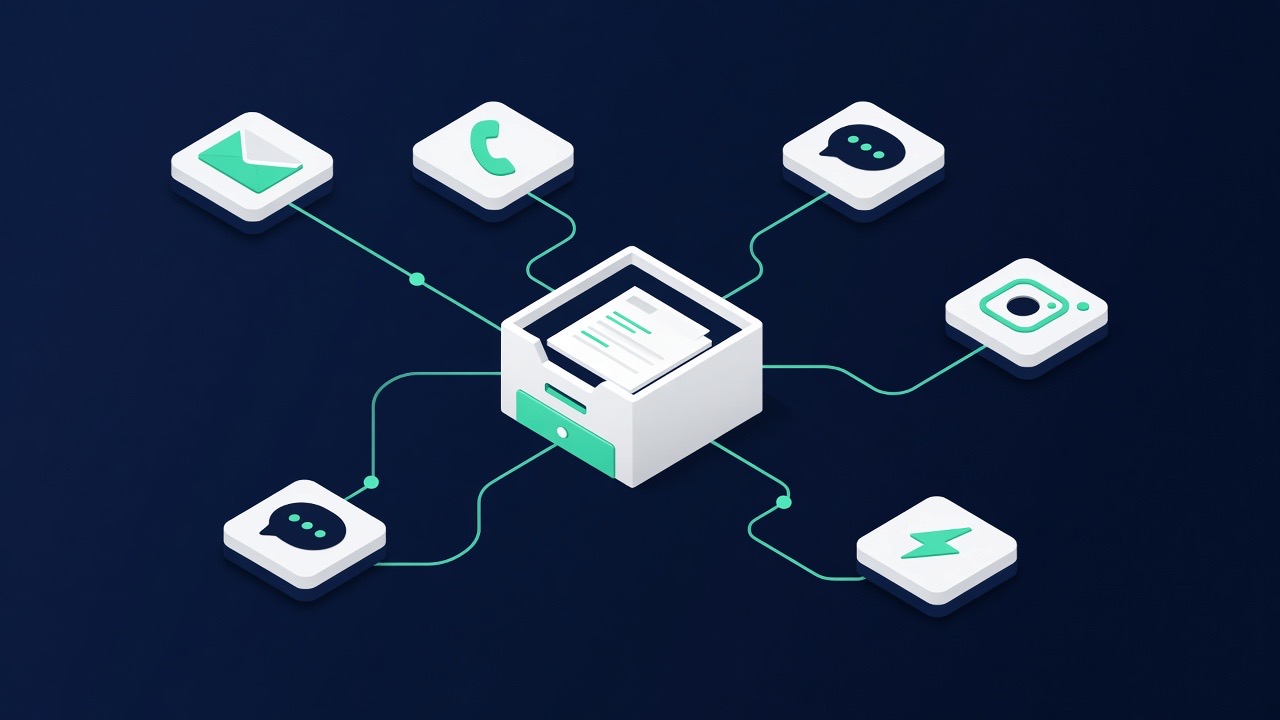
8Channels overview
WhatsApp, e-mail, phone and website
9Plans & upgrade
Compare Starter, Pro, Business
10Settings & team
Profile, channels and team members
11Frequently asked questions
Answers to the most frequently asked questions
12Support
Help, contact and knowledge base
13Automate customer service
Complete guide for SMEs
14Set up AI receptionist
From first conversation to connecting
15Schedule appointments via WhatsApp
Connect and confirm calendar
16Multilingual customer service
Without extra staff
17Training your bot
Own services and frequently asked questions