 Slimbot
 Own e-mail in Slimbot
Your business e-mail in Slimbot — we'll connect it
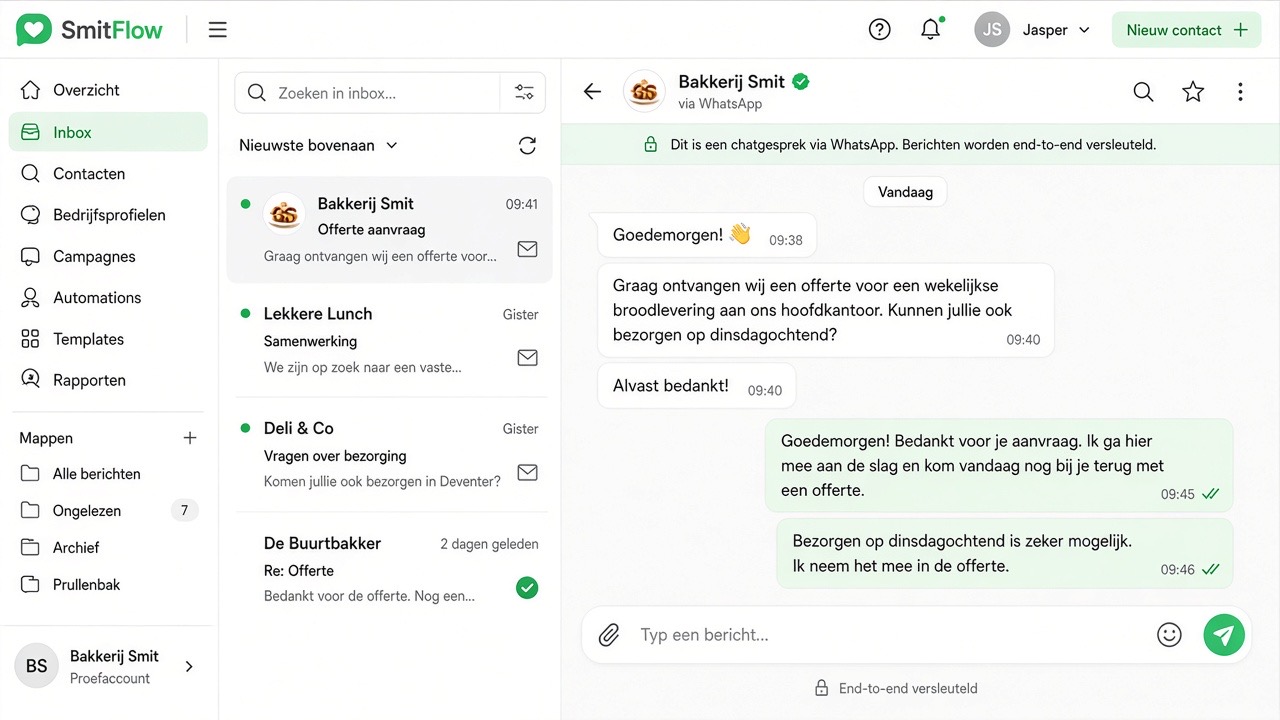
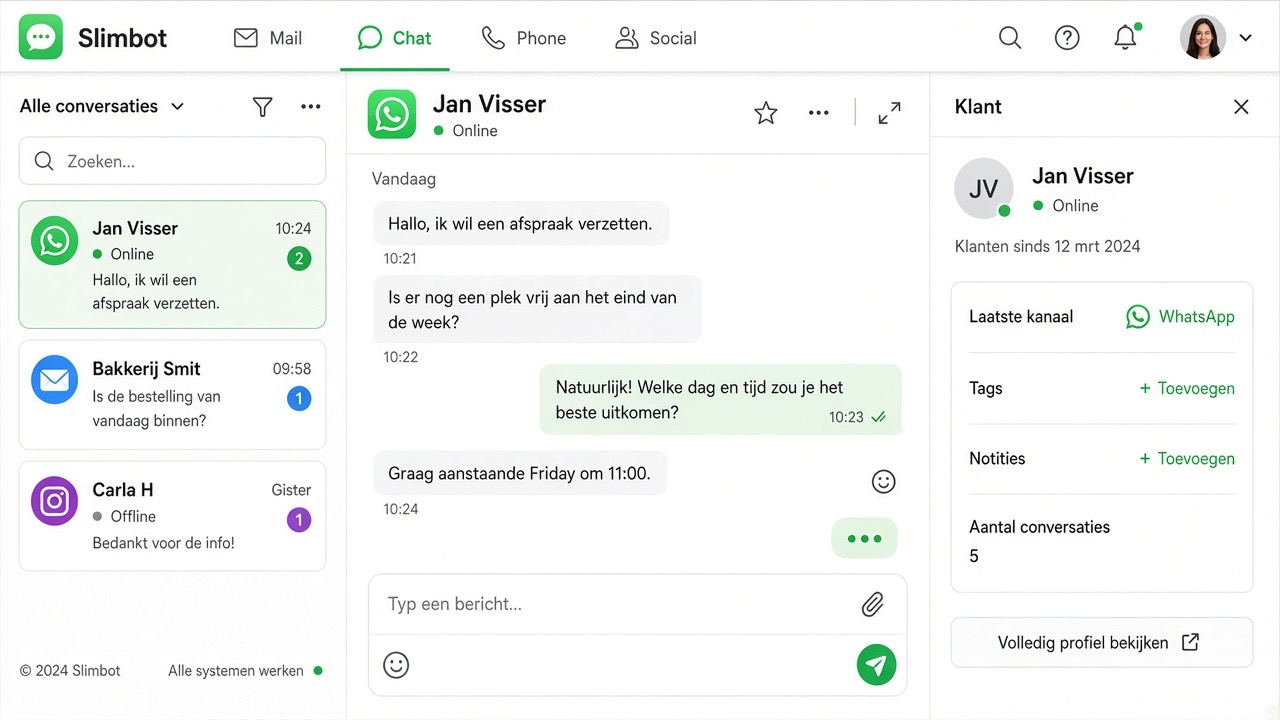
Read and reply to your email alongside your WhatsApp and chats, in one place. Works with Gmail, Microsoft 365, Outlook or your own domain. Log in with your current password: we count the folders and fetch the mail. Nothing gets lost — or we'll do it for you.
 Connect my mailbox
 Password encrypted🇳🇱 Dutch/EU servers
 We help for free
 Ready in 2 minutes

Which e-mail do you have?
It doesn't matter which provider you use — we connect them all.

Gmail & Google Workspace
Your regular Gmail or your business address on your own domain. We create a secure connection password once — we explain it step by step.
Microsoft 365
Business Microsoft e-mail (formerly Office 365). Microsoft connects slightly differently — we arrange that securely for you.
Outlook & Hotmail
You can connect a personal outlook.com or hotmail address just like that. Ideal for getting started quickly.

Your own domain
E-mail on your own business name (info@yourcompany.co.uk), wherever you host it. Enter your address, we fill in the rest automatically.
How it works
In three steps you can read and send your e-mail from Slimbot.
Choose your e-mail
Gmail, Microsoft 365, Outlook or your own domain — you simply select your provider.
Test log in
Only your e-mail address and current password. We count the folders so you can see that nothing is lost.
Connect and retrieve
The mail arrives in Slimbot, alongside WhatsApp and chats. After that, you can switch — your archive is already inside.
We'll connect it for you
Tell us which e-mail address you want to connect — we'll arrange the integration and contact you within 1 working day. Microsoft 365 and difficult providers too.
Frequently asked questions
Still unclear about something? Ask your question — we're happy to help.