 Slimbot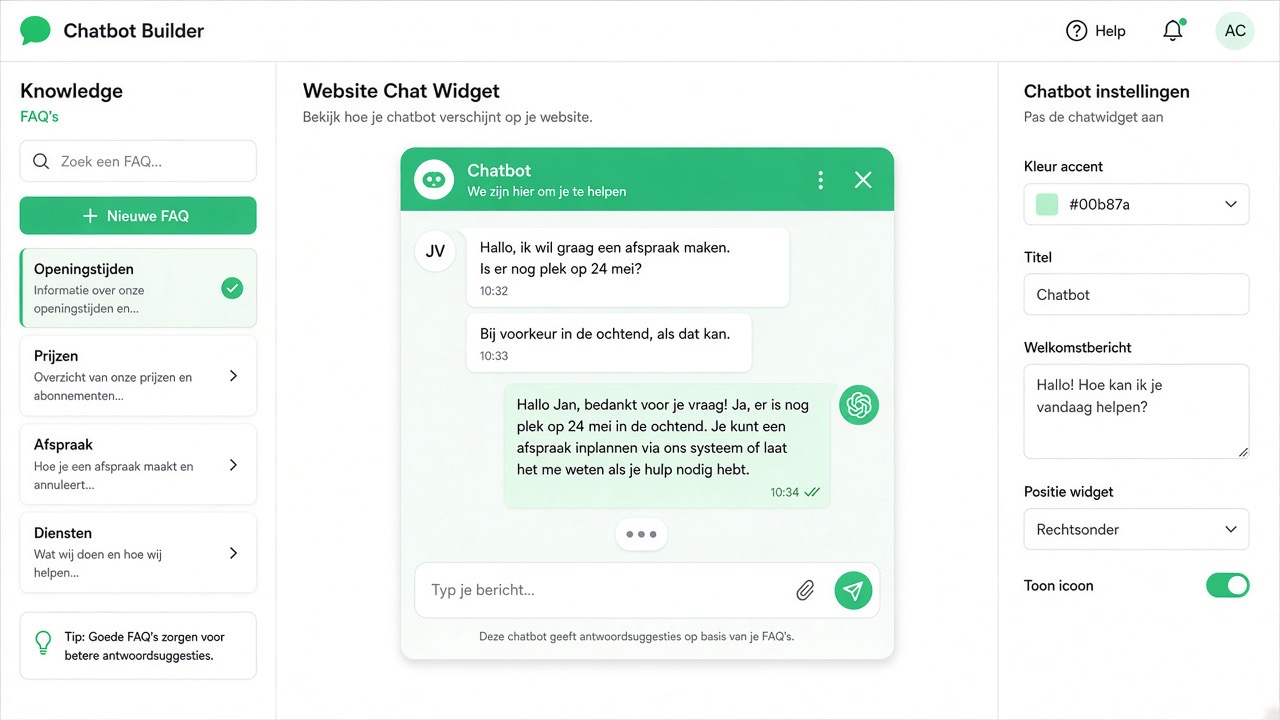
A chatbot can be on your website, in WhatsApp, or both. Which fits depends on where your customers find you and how they want to respond. This comparison helps you choose and shows why you don't have to make the choice twice.
The difference in one table
| Chatbot on website | Chatbot on WhatsApp | |
|---|---|---|
| Who uses it | Visitors browsing your site | People who already know you or have your number |
| How they start | Via a button on the page | Via a number, link or QR code |
| Reach after the conversation | Gone as soon as the tab closes, unless they leave their details | The conversation remains in their app |
| Follow-up questions | Usually in one session | Spread over days |
| Personal data | Only what they enter | Their phone number is already known |
| Rules | Your own cookies and privacy | WhatsApp rules, including the 24-hour window |
| Best for | Information, initial orientation, leads | Appointments, follow-up, repeat customers |
When the website comes first
- Lots of traffic from people who don't know you yet.
- Questions that are answered on the page itself (price, delivery time, service area).
- You want to collect leads without anyone having to remember your number.
When WhatsApp comes first
- Customers are already messaging you.
- You make many appointments, such as hairdresser, garage or installer.
- You want to follow up without the customer having to return to your site.
The best of both
In Slimbot, the chat widget on your site and the WhatsApp bot are the same assistant with the same knowledge. A visitor who asks a question on the site can continue on WhatsApp afterwards; you see both conversations in the same inbox. How to set up a bot is explained in setting up a chatbot, how to teach it the right things in training a bot.
What it costs
The web widget is included in the Try-out and Starter plans; WhatsApp with your own number starts with Starter (see the live price list).
| Plan | Per month (excl. VAT) | One-off |
|---|---|---|
| Try-out | € 14,95 | None |
| Starter | € 29,95 | € 300,00 |
| Pro | € 89,95 | € 300,00 |
| Business | On request | On request |
Prices from the live Slimbot price list, excl. VAT, cancel monthly. Current overview: slimbot.nl/prijzen.
Pitfalls
- A bot without its own knowledge repeats generic answers. Enter your prices, service area and opening hours.
- No handover to a human: when in doubt, always let the bot forward to you or prepare a draft.
- Sending a campaign on WhatsApp without consent: read GDPR and opt-out.
Frequently asked questions
Can one chatbot work on both channels?
Yes. At Slimbot, the website widget and the WhatsApp bot use the same assistant and knowledge.
Which is cheaper?
The web widget is already included in the lowest plan; WhatsApp with your own number starts at Starter. The exact amounts are in the table above and at slimbot.nl/prijzen.
Do I need a separate number for WhatsApp?
For your business, yes: connect your own number. For testing, there's the test number with Try-out.
What does the bot do when it doesn't know?
It doesn't make things up and hands the conversation over to you or prepares a draft for your approval.
Read more
Try it on your own questions
Start for free, or book a demo and see how it works on your website and WhatsApp.
Start for free → Schedule a demoPrefer to call? 085 060 4471