 Slimbot
← Knowledge base
Connecting your own WhatsApp number
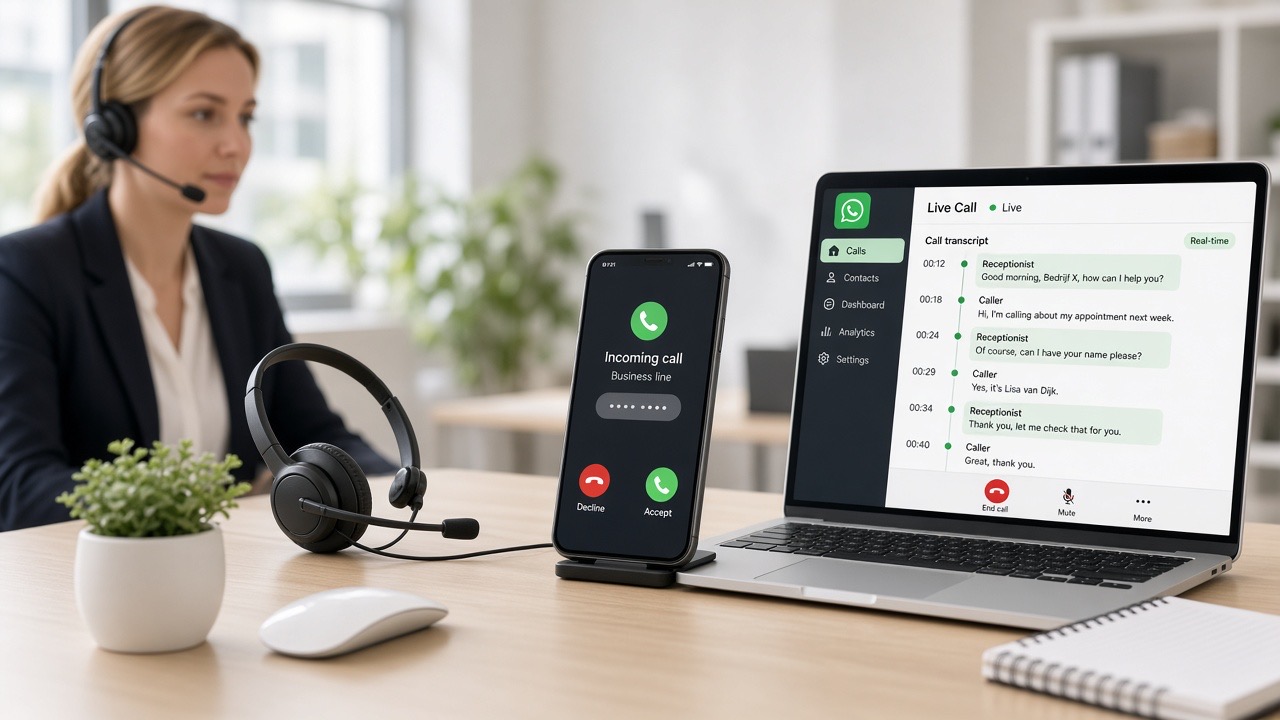
Slimbot works on your number — not on a shared test number. After registration you connect via QR, just like WhatsApp Web on a secure Dutch server.
Steps
- Log in at slimbot.nl
- Go to Dashboard → Connect number or open /app.
- Choose My own number and scan the QR with the phone on which your WhatsApp Business is active.
- After connection your chats appear in Inbox — only from your instance.
Try-out vs Starter
The Try-out plan uses a shared test number for testing. From Starter onwards, you connect your own verified number. Compare plans →
Security
- Sessions are hosted on ISO-certified Dutch infrastructure; keys are protected.
- In the dashboard you only see numbers linked to your account.
- Cloud API (Meta) is optional from Business onwards; app integration already works for inbound now — you keep WhatsApp Business on your phone.