 Slimbot
Set up channels
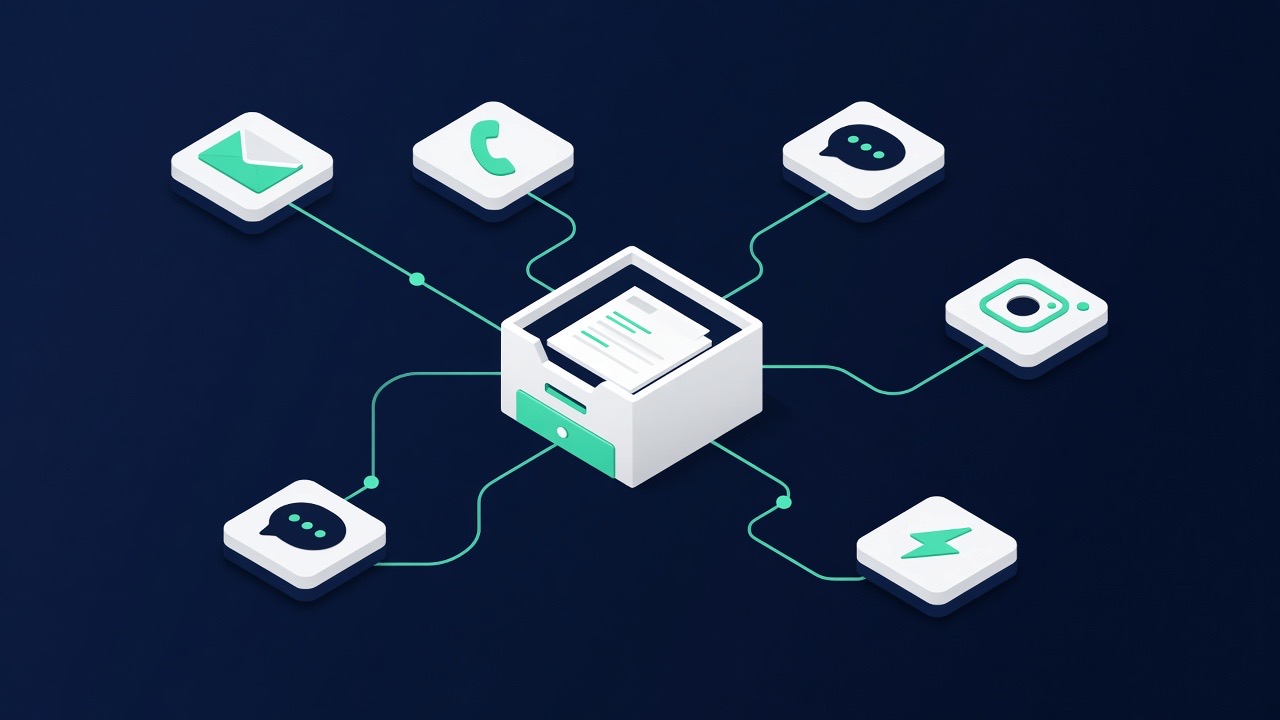
Not every business uses everything at once. Manage WhatsApp, e-mail, phone, website chat and website via Slimbot — under your brand. Start where your customers are already coming in. Instagram DM and Messenger belong in the same inbox.
Overview in the dashboard
On Platform → Channels you see per channel whether it is active or still requires setup, with a direct link. You tick preferences under Settings.
Per channel
- WhatsApp — Connection options · QR or Cloud (Business)
- E-mail — Mailbox @your-domain + webmail
- Instagram & Messenger — messages in the same inbox as WhatsApp
- Phone — AI line / 085
- Website chat — Widget & embed
- Website — Indexing or building (knowledge base via Train)
- SMS — as a safety net alongside WhatsApp, via your own SMS account (when do you choose what?)
- Telegram — notifications to your own Telegram, handy for your team
What about Messenger or Instagram?
Messages from Facebook Messenger and Instagram currently do not run through Slimbot. We'd rather be honest about that than have you rely on it: if you receive a lot via those channels, let us know — then we'll weigh up how often it's requested.
Start choice & plans
When signing up, you choose AI on/off and what you do with your website. WhatsApp + inbox from Starter; voice from Pro; phone, Cloud API and e-mail in Business. Start choice & plans →