 Slimbot
Assistant that conducts conversations
Choose persona, tone and knowledge. Practise in a safe simulation. Then go live on WhatsApp, website chat, e-mail or phone — on or off per channel.
One platform: set up your assistant, practise safely, let AI suggest answers in the inbox, and start campaigns via chat, e-mail or phone — with or without full automation.

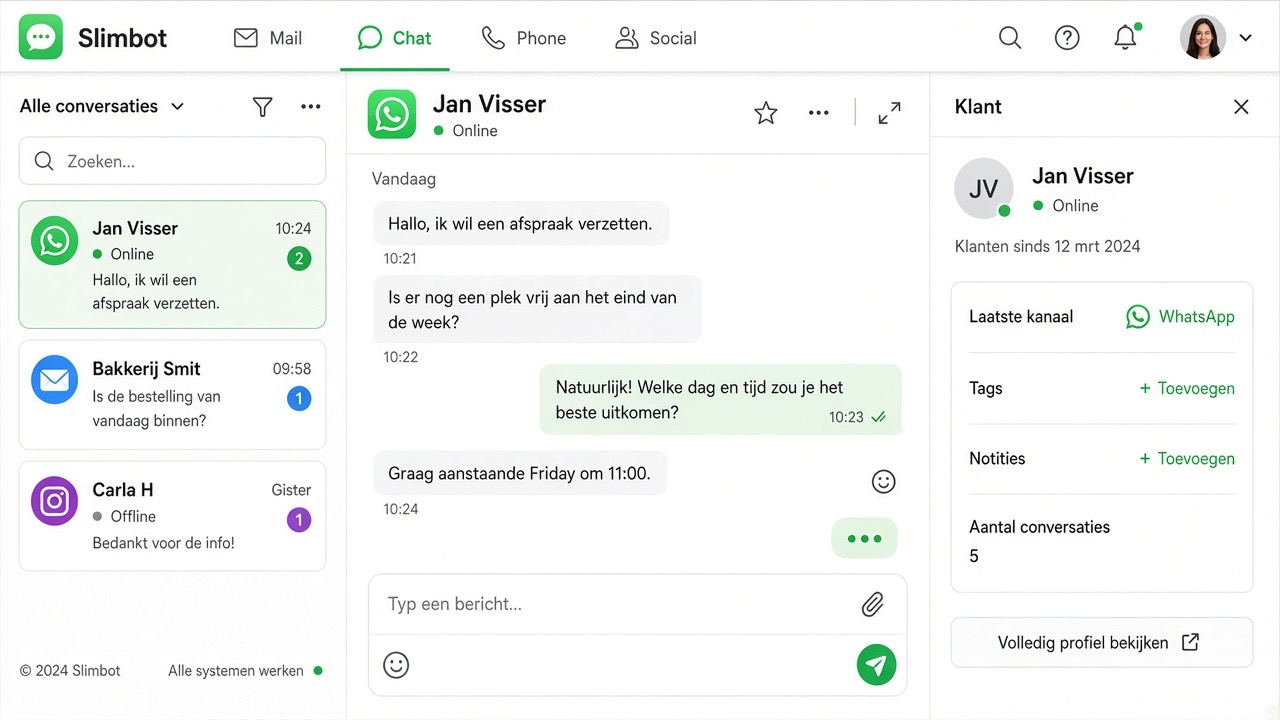
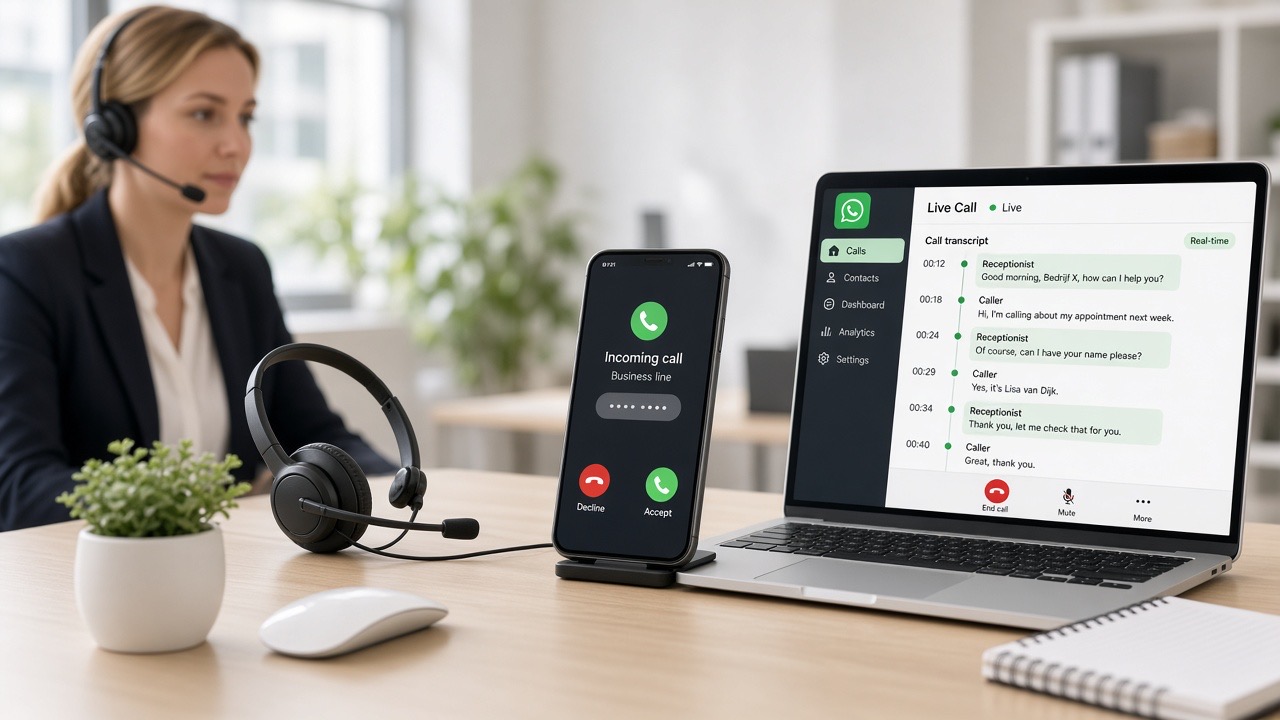
No more separate ChatGPT tab next to WhatsApp. Everything connected to your inbox, knowledge base and channels.
Choose persona, tone and knowledge. Practise in a safe simulation. Then go live on WhatsApp, website chat, e-mail or phone — on or off per channel.
In every conversation: suggest replies, improve text, summarise or translate. You stay in control — AI suggests, you send. Or set to automatic per conversation.
Bulk WhatsApp, broadcasts, e-mail campaigns and calling campaigns with lead list. Follow-up and workflows connect outreach to your inbox — no separate spreadsheet.
Chatbot builder, workflows, AI workspace with agents, and the complete agent team (design, marketing, website, back office) — all under Slimbot.
Customer asks a question → AI suggests three answer options → you choose, edit or send directly. No copy-paste from a separate chatbot.
Persona, knowledge and tools. Test in the practice space — no messages to customers yet.
Connect WhatsApp, chat or e-mail. Start with 'Suggest' so your team stays in control.
Automatic where you want. Campaigns and call lists from the same dashboard.
No. By default you can use "Suggestions": AI writes along, you send. Automatic per conversation or channel is optional.
With the QR connection you start new conversations in your own app. For large-scale outbound messages to new contacts, the business API with approved templates and opt-in is required — we guide this in the Business plan.
In the inbox (AI suggestion and copilot), for bulk campaigns (message template), for e-mail campaigns and in calling campaigns (call script). One assistant, multiple channels.
AI-agents shows the team (WhatsApp, design, marketing, website, e-mail, back office). This page is the practical overview of tools in your dashboard.
Start for free, choose your channels in the wizard, and open the AI tools in your dashboard.
Start for free →