 Slimbot
Request enrolment details
Who referred, what age, what question: the assistant asks and puts it on the customer card.
Parents WhatsApp, e-mail or fill in the registration form, often with a referral included. Slimbot brings that together in one inbox, schedules the intake via your diary and files everything with the child or client. Treatment advice remains with the speech therapist.

Good afternoon, we'd like to register our son (5). His teacher recommended speech therapy.
Good afternoon, thank you for the registration. Do you have a GP referral? You can send it here as a photo.
"Our son has recently started stuttering, what should we do?"
The assistant gives no advice about the complaint; it schedules an introductory meeting and prepares the question for the speech therapist.
"Here is the referral from the GP."
The photo is added to the customer card and you immediately see which child it is.
"Can we move the appointment to after school?"
Draft with available times after school from your calendar.
"Does my insurer cover this?"
Forwarded to the team; the AI does not mention amounts or reimbursement rules.
"When is there space for an intake?"
Answer based on your calendar and your own rules for waiting time.
CustomerGood afternoon, we'd like to register our son (5). The teacher recommended speech therapy.
AssistantGood afternoon, thank you for the registration. Do you have a referral from your GP? You can send it here as a photo.
CustomerI have it, I'll send it now.
AssistantThank you. As soon as it arrives I'll schedule an intake. May I ask which days and times you'd like to take into account?
Choose a question and see how the assistant responds. These are pre-written example answers (not live AI). In your own account, the assistant bases itself on your own data, and you decide whether an answer goes automatically or for approval first.
Choose a question on the left to start the conversation.
Screenshots from a demo account with example conversations. Not real customers.
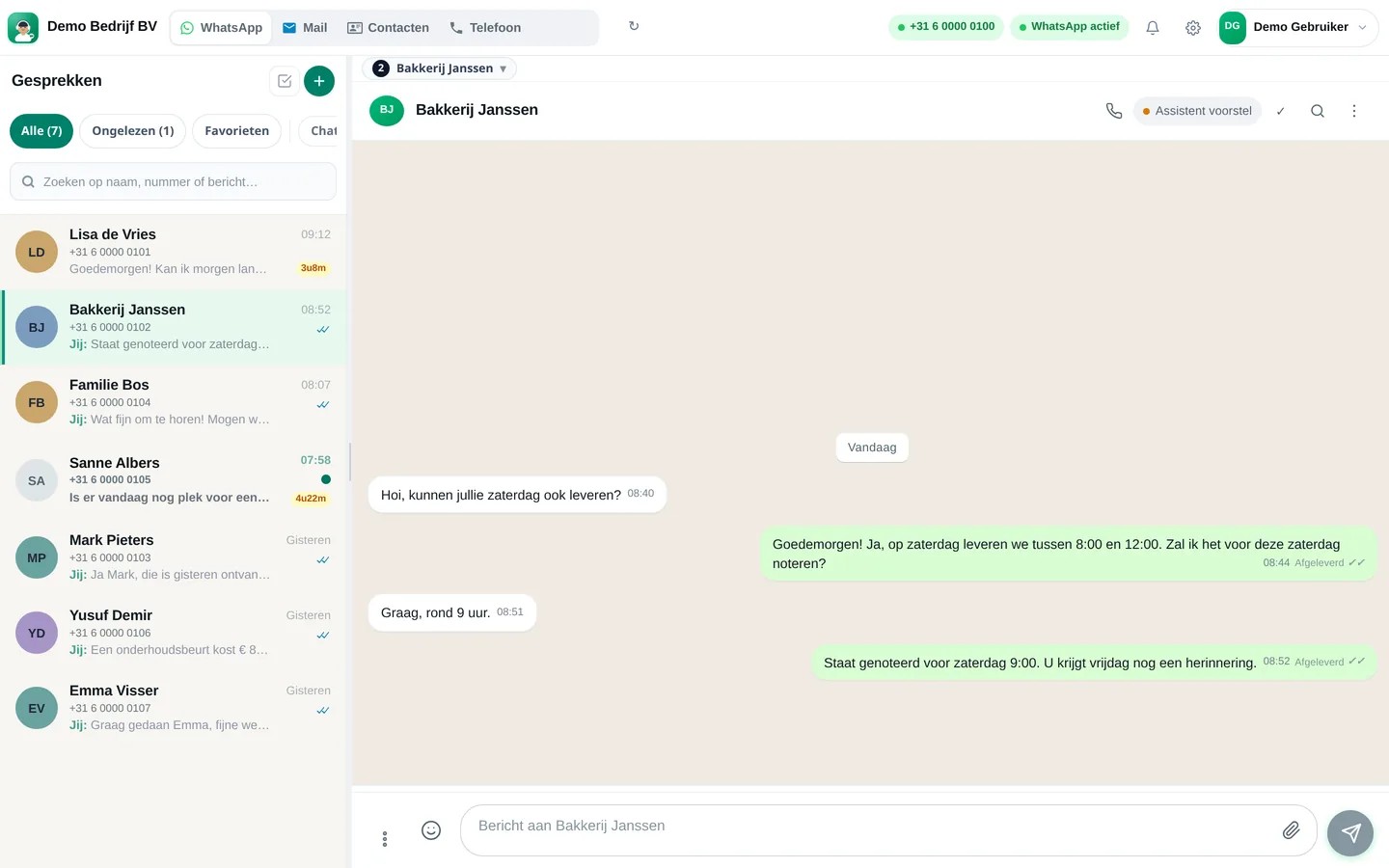

From sign-up to working channel. You keep your own number.
Practice number, e-mail and calendar.
Enrolment procedure, duration of the intake, what you need from parents.
Also on your practice website.
Features that Slimbot has today. No promises we don't keep.
Who referred, what age, what question: the assistant asks and puts it on the customer card.
Parents send the referral via WhatsApp or e-mail; it arrives with the conversation, not in your personal chat.
The assistant schedules via your calendar and takes into account who's coming along.
A reminder from your own number, and rescheduling in the same chat.
After the session, a message with the exercises for home, which you write or approve yourself.
Answer three short questions and see which plan and features we recommend. It's an indication: you choose yourself, and you can cancel monthly.
Two calculators with your own input and visible formula, and answer templates to use immediately. No e-mail address required.
How many requests are left unanswered or arrive too late? Enter your own estimate. The values below are example values.
How many hours per week is your business unreachable for messages, and what does that mean for your response time?
Goedemiddag <naam>, bedankt voor de aanmelding van <naam kind>. Om de intake te plannen willen wij graag weten: wie verwees u door, wat is de leeftijd en waar komt de vraag vandaan? Een foto van de verwijzing mag u hier sturen. Groet, <praktijknaam>
Goedemorgen <naam>, de afspraak voor <naam kind> staat op <dag> om <tijd> bij <logopedist>. Eén of beide ouders zijn welkom. Kunt u niet? Laat het ons <aantal> uur van tevoren weten. Tot dan! <praktijknaam>
Goedemiddag <naam>, zoals besproken zijn de oefeningen voor thuis: <oefeningen>. Heeft u vragen na het oefenen? Stuur ze gerust, dan krijgt <logopedist> ze te zien. Groet, <praktijknaam>
Adjust names, times and amounts before you send. Fill in the text in <angle brackets> yourself.
Type your industry. We'll show the relevant page, or a brief tailored explanation of what Slimbot can do for you.
Create a free account and connect your own number, e-mail and website chat. Prefer to see it first? Schedule a short demo.