 Slimbot
Conversations to whoever is on duty
In the shared inbox you assign a conversation to a colleague. Those not on the rota don't have to watch their personal phone.
Creating a good rota doesn't start with a programme, but with the question: when is it busy? Below is a simple step-by-step plan you can use for free, in a spreadsheet or a rota app. Slimbot itself doesn't create staff rotas — it ensures that customer enquiries via WhatsApp, chat and phone are handled properly, even when your staffing is tight.
Screenshots from a demo account with example conversations. Not real customers.
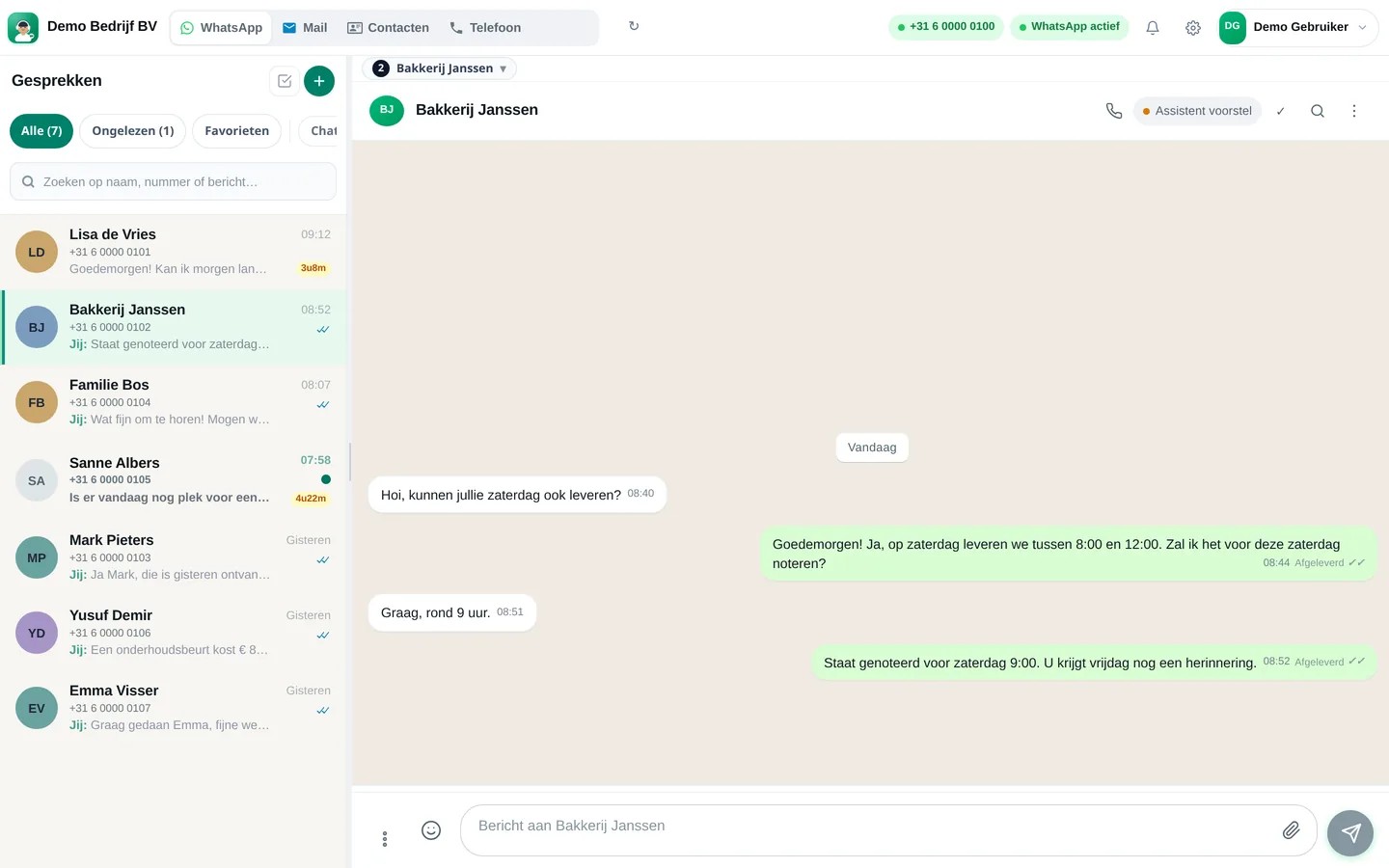

From sign-up to working channel. You keep your own number.
Register and connect your business WhatsApp number. Customers message the same number as always.
Invite colleagues to the shared inbox, so whoever is on duty can pick up the conversations.
Set your opening hours and the message for outside those hours. Adjust it when your schedule changes.
Features that Slimbot has today. No promises we don't keep.
In the shared inbox you assign a conversation to a colleague. Those not on the rota don't have to watch their personal phone.
Set an automatic message for outside opening hours. Customers know straight away when they'll get a reply.
When it's busy or there's one person on the floor, the assistant answers frequently asked questions and prepares the rest for your team.
Connect your Google Calendar: the assistant only schedules appointments at times that are free there. So simply block the hours when no one is available.
Everyone sees the same conversations, notes and appointments. A colleague on the next shift reads at a glance what's going on.
With AI phone answering, an assistant picks up under your own number and records a call-back request or appointment enquiry.
Checklist for your rota
1. Map busy periods per day and time slot · 2. Minimum staffing per role · 3. Availability and contract hours per team member · 4. Rest periods and breaks checked · 5. Swap rules established · 6. Rota shared and confirmed · 7. Opening hours and absence message updated.
Do you also schedule customer appointments? See the appointment planner. Hospitality: reservation system.
Create a free account and connect your own number, e-mail and website chat. Prefer to see it first? Schedule a short demo.