 Slimbot
Design questions with photos
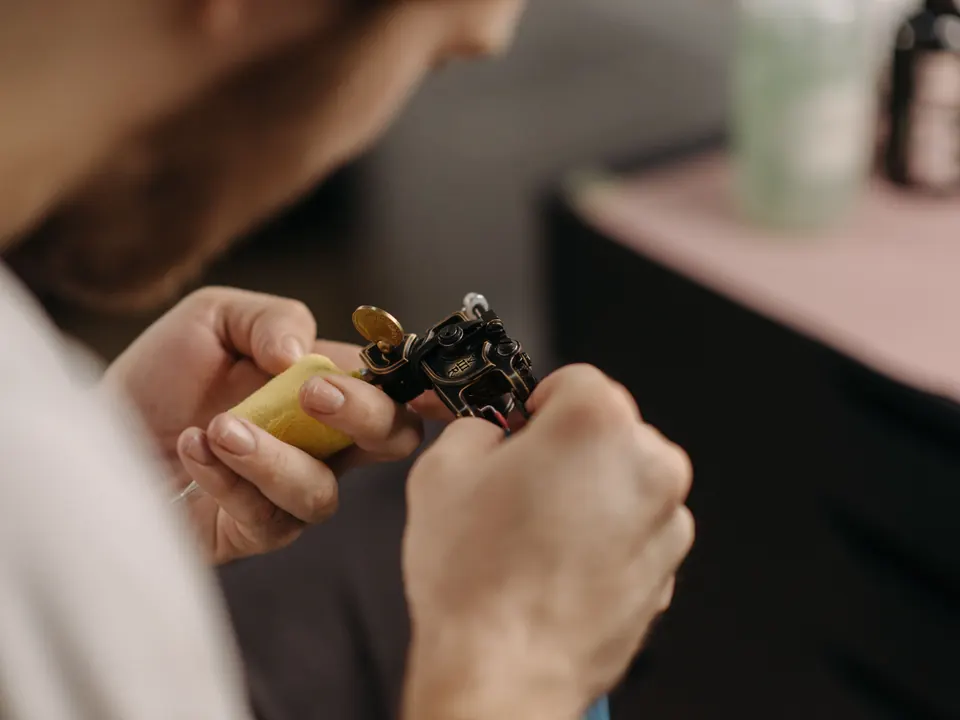
Reference photos, size, placement on the body and style are added to the conversation and customer card, so the artist starts with everything in front of them.
Design enquiries arrive with a stack of reference photos, across all channels at once. Slimbot collects wishes, size and placement, asks about age and prepares it for your artist. Price and design remain with your team.
Hey! I'd like a small line drawing of a peony on my wrist, here's an example.
Lovely idea, thanks for the photo! How large would you like it approximately, and how old are you? I'll pass it on to the artist for an intake.
"This is my idea, can you tattoo this?"
The assistant asks about size, placement and colour and saves the photos. The artist assesses the design.
"How much does this cost approximately?"
No price from the AI. The enquiry goes with the details to your artist.
"I'm 17, am I allowed to get a tattoo?"
The assistant asks for the age and forwards the question; your studio determines what's possible.
"My tattoo from last week looks odd."
No aftercare advice. The message goes straight to your artist and is added to the customer card.
"Can I change the date?"
Proposal for a new time from the diary; the deposit remains linked to the appointment.
CustomerHey! I want a small line drawing of a peony on my wrist, here's an example.
AssistantGreat idea, thanks for the photo! How big would you like it roughly, and how old are you? I'll pass it on to the artist for an intake.
CustomerAbout 5 cm. I'm 24.
AssistantGreat. The artist will take a look and let you know when there's availability for an appointment. We confirm a date with a deposit via a payment link.
Choose a question and see how the assistant responds. These are pre-written example answers (not live AI). In your own account, the assistant bases itself on your own data, and you decide whether an answer goes automatically or for approval first.
Choose a question on the left to start the conversation.
Screenshots from a demo account with example conversations. Not real customers.


From sign-up to working channel. You keep your own number.
WhatsApp, Instagram and e-mail from the studio.
Age limit, deposit, what an intake involves.
Such as competitions, designs and aftercare.
Features that Slimbot has today. No promises we don't keep.
Reference photos, size, placement on the body and style are added to the conversation and customer card, so the artist starts with everything in front of them.
The assistant asks for the age and prepares the intake for the team. Your studio decides on exceptions and consent.
A date is only confirmed once the deposit has been received. Send a payment link in the conversation and see on the customer card whether it has been paid.
One connected calendar per artist or piercer; reminders from your own number.
Messages from Instagram, WhatsApp and e-mail in one team inbox, instead of in your artists' private DMs.
Answer three short questions and see which plan and features we recommend. It's an indication: you choose yourself, and you can cancel monthly.
Two calculators with your own input and visible formula, and answer templates to use immediately. No e-mail address required.
How many requests are left unanswered or arrive too late? Enter your own estimate. The values below are example values.
How many hours per week is your business unreachable for messages, and what does that mean for your response time?
Hoi <naam>, bedankt voor je bericht en de referenties! Om het ontwerp door te geven aan <artiest>: hoe groot moet het worden, op welke plek op je lichaam, en heb je nog tattoos in de buurt? Stuur gerust meer foto's. Je hoort van ons zodra de artiest ernaar gekeken heeft. Groet, <studio>
Hoi <naam>, leuk dat je een afspraak wilt maken voor <datum> om <tijd>. Om de datum vast te leggen vragen we een aanbetaling van <bedrag>. Je kunt die betalen via deze link: <betaallink>. Zodra die binnen is, staat je afspraak definitief. Groet, <studio>
Hoi <naam>, een herinnering aan je afspraak op <dag> om <tijd> bij <artiest>. Neem een geldig ID mee en zorg dat je gegeten hebt. Kun je niet? Laat het ons zo snel mogelijk weten. Tot dan! <studio>
Adjust names, times and amounts before you send. Fill in the text in <angle brackets> yourself.
Type your industry. We'll show the relevant page, or a brief tailored explanation of what Slimbot can do for you.
Create a free account and connect your own number, e-mail and website chat. Prefer to see it first? Schedule a short demo.