 Slimbot
Ask out reservation questions
Date, time, number of people and a phone number: the assistant asks for the details, you confirm or suggest a different time.
During service no one answers the phone, yet reservation enquiries come in. Slimbot collects via WhatsApp and your website who, when and how many, notes dietary requirements and prepares everything so you confirm instead of calling back.

Good evening, do you have space for 5 people on Saturday around 19.30?
Good evening! I'll prepare your request for 5 people on Saturday at 19.30. Do you have any dietary requirements or allergies?
"Do you still have a table for four on Friday?"
The assistant requests time and phone number and prepares it as a draft. You see what's free in your calendar and confirm.
"I'm vegetarian and my partner is gluten-free."
The preferences appear on the customer card with the reservation. What you say about it in the conversation is up to you.
"Can we hold a company dinner for 14 people?"
Group requests go to you with date, number and budget preference; the AI makes no commitments about price or menu.
"Until what time is the kitchen open?"
Reply from your own knowledge base with opening hours, even outside the hours you can respond yourself.
"Can we bring our dog to the terrace?"
The assistant answers such standard questions from what you have filled in; if it's not there, the conversation goes to your team.
CustomerGood evening, do you have space for 5 people on Saturday around 7.30 pm?
AssistantGood evening! I'm preparing your request for 5 people on Saturday at 7.30 pm. Do you have any dietary requirements or allergies?
CustomerOne person doesn't eat gluten. A birthday, by the way.
AssistantThank you, I'll note that with the reservation. The restaurant will confirm your table and discuss the gluten-free request.
Choose a question and see how the assistant responds. These are pre-written example answers (not live AI). In your own account, the assistant bases itself on your own data, and you decide whether an answer goes automatically or for approval first.
Choose a question on the left to start the conversation.
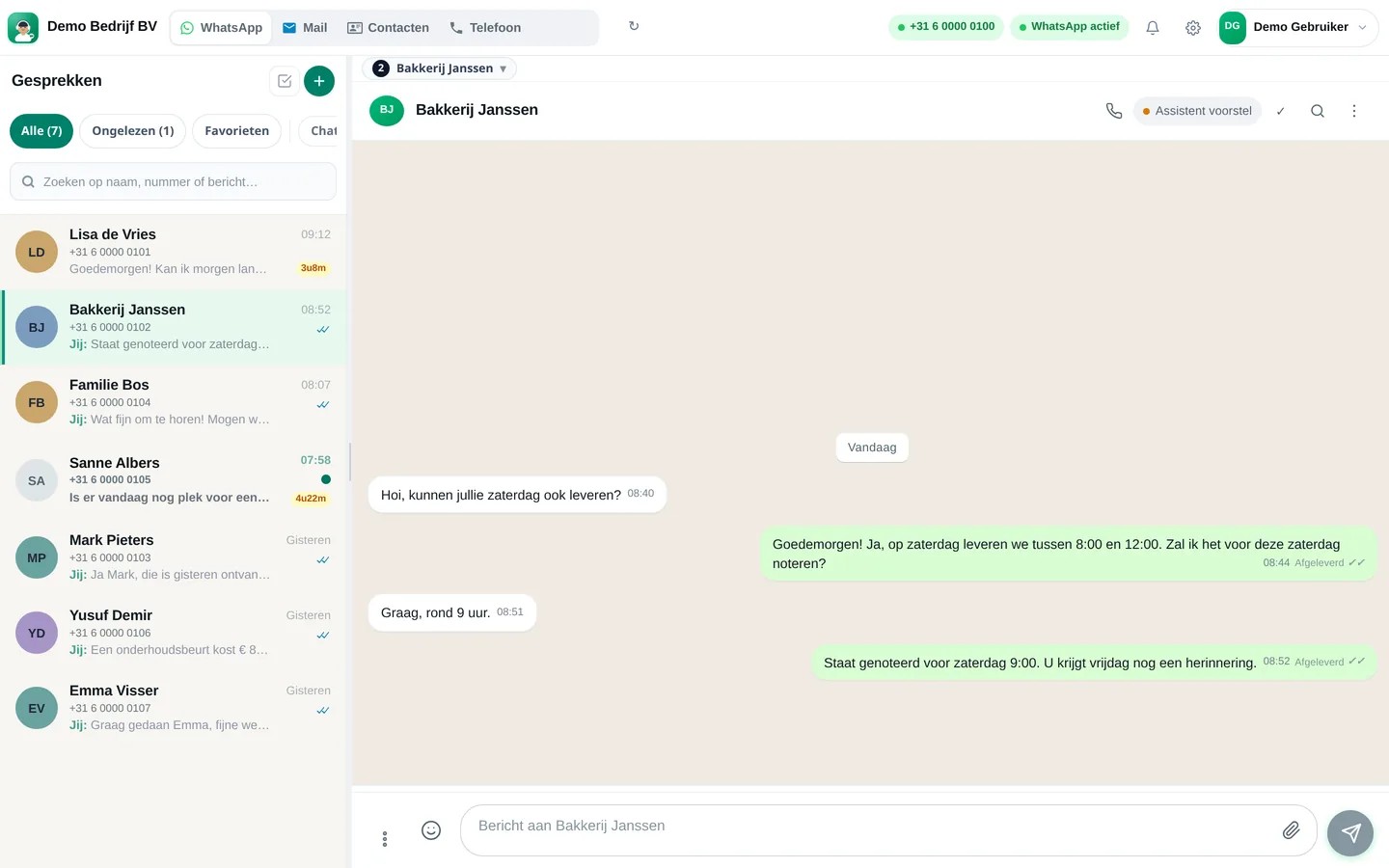
Screenshots from a demo account with example conversations. Not real customers.

From sign-up to working channel. You keep your own number.
Your business WhatsApp, e-mail and the diary in which you keep reservations.
Opening hours, menu, group rules and what you say about allergies.
Only prepare a draft, or answer fixed questions yourself.
Features that Slimbot has today. No promises we don't keep.
Date, time, number of people and a phone number: the assistant asks for the details, you confirm or suggest a different time.
A note on the customer card so the kitchen knows in advance. Your team decides about allergens, not the AI.
Birthday, business dinner or large table: the conversation is forwarded to you with all the details.
A message the day before the reservation, so you have fewer empty tables due to forgotten appointments.
A short review request, sent after the visit and approved by you.
Answer three short questions and see which plan and features we recommend. It's an indication: you choose yourself, and you can cancel monthly.
Two calculators with your own input and visible formula, and answer templates to use immediately. No e-mail address required.
How many requests are left unanswered or arrive too late? Enter your own estimate. The values below are example values.
How many hours per week is your business unreachable for messages, and what does that mean for your response time?
Goedemiddag <naam>, uw reservering voor <aantal> personen op <dag> om <tijd> is bevestigd. Heeft u dieetwensen of allergieën? Laat het ons dan vooraf weten. Tot dan! Groet, <restaurant>
Goedemiddag <naam>, een vriendelijke herinnering aan uw reservering morgen om <tijd> voor <aantal> personen. Past het niet meer? Laat het ons dan graag vandaag weten, dan kan iemand anders de tafel krijgen. Groet, <restaurant>
Goedemiddag <naam>, bedankt voor uw bezoek aan <restaurant>! Het was ons een genoegen. Als u even tijd heeft, helpt een korte review ons enorm: <reviewlink>. Tot de volgende keer!
Adjust names, times and amounts before you send. Fill in the text in <angle brackets> yourself.
Type your industry. We'll show the relevant page, or a brief tailored explanation of what Slimbot can do for you.
Create a free account and connect your own number, e-mail and website chat. Prefer to see it first? Schedule a short demo.