 Slimbot
Ask about subject, level and test
The assistant asks for year, subject, where things are going wrong and when the next test is, so the teacher starts the conversation prepared.
Parents message at all hours, pupils reschedule lessons and exams are approaching. Slimbot brings all messages together, asks for subject, level and test date, and helps you keep the timetable up to date.

Good afternoon, my daughter is in year 8 and needs help with French. Is that possible?
Good afternoon! Could you tell us what's going wrong and when the next test is? Then we'll schedule an introductory meeting.
"My son has his maths final exam next month, can you help?"
The assistant requests level, subjects and availability; you or the tutor assess whether and how you can help.
"Can my daughter sit in on one lesson first?"
A proposal for introductory sessions from your diary, confirmed in your own words.
"She's ill, can we reschedule the lesson?"
Request with the learner card, draft with catch-up slots; you confirm.
"What does an hour of tutoring cost and how often per week is sensible?"
Answer from your own knowledge base with your rates; if you prefer to advise personally, the conversation is forwarded to you.
"Can you also teach online?"
Answer based on what you offer, with a link to plans for an introductory meeting.
CustomerGood afternoon, my daughter is in year 8 and needs help with French. Is that possible?
AssistantGood afternoon! Could you tell us what's going wrong and when the next test is? Then we'll schedule an introduction.
CustomerGrammar, and the test is in three weeks. Thursday after four works.
AssistantThank you. I'll set aside Thursday 16:30 for you; the tutor will confirm and you'll receive a message afterwards.
Choose a question and see how the assistant responds. These are pre-written example answers (not live AI). In your own account, the assistant bases itself on your own data, and you decide whether an answer goes automatically or for approval first.
Choose a question on the left to start the conversation.
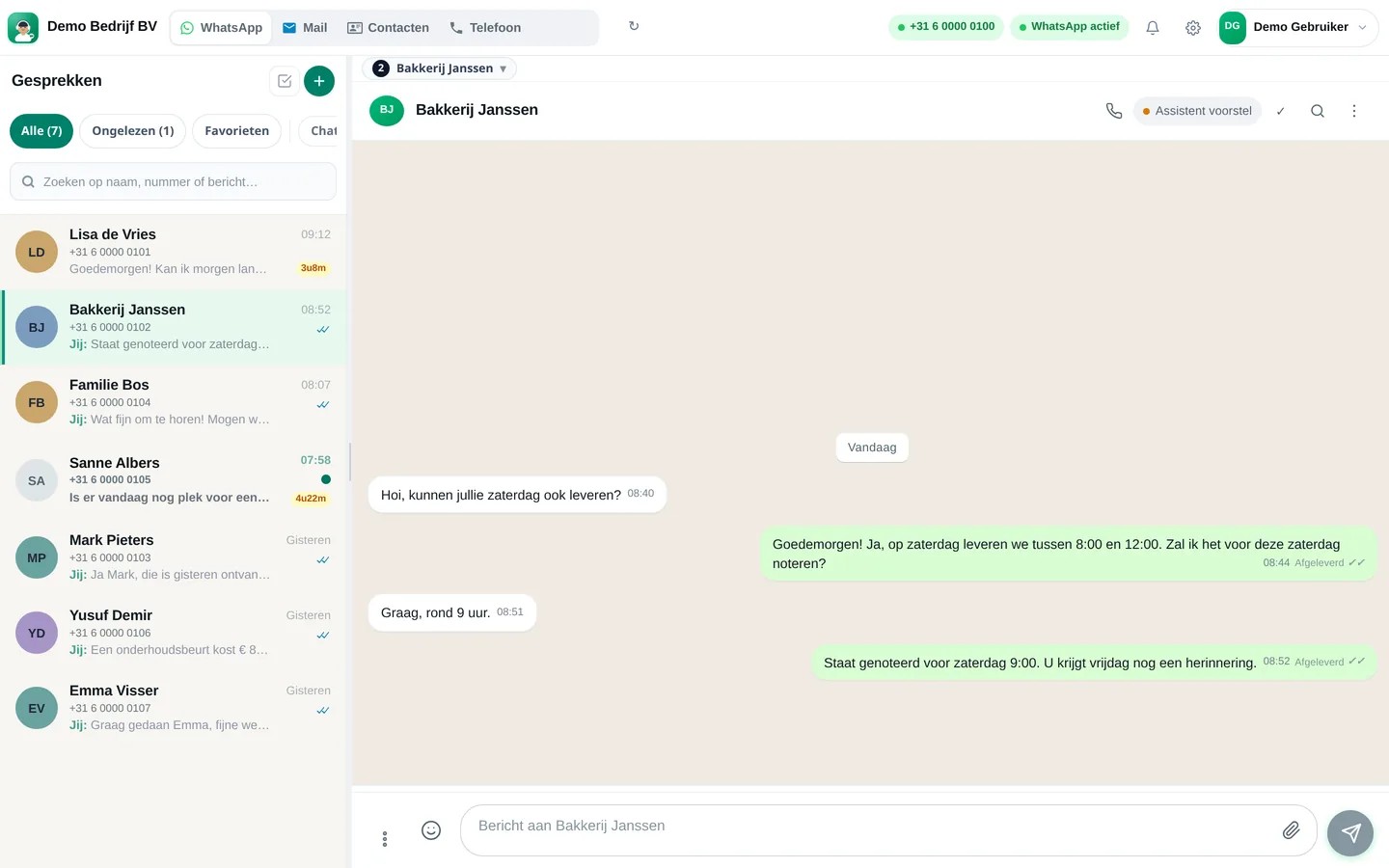
Screenshots from a demo account with example conversations. Not real customers.

From sign-up to working channel. You keep your own number.
Your existing business number, e-mail address and lesson calendar.
Subjects, levels, location or online, rates you want to quote yourself.
Via WhatsApp, e-mail or the chat on your website.
Features that Slimbot has today. No promises we don't keep.
The assistant asks for year, subject, where things are going wrong and when the next test is, so the teacher starts the conversation prepared.
Choose available slots from your connected calendar; the reminder is sent from your own number to the parent or student.
Parent, pupil, subjects and conversations are kept together. A supply teacher can see at a glance what was agreed previously.
Cancellations and requests arrive in the same inbox; you choose a new time and confirm with one message.
A short message after the lesson or a question about the homework: drafts prepared by the assistant, sent by you.
Answer three short questions and see which plan and features we recommend. It's an indication: you choose yourself, and you can cancel monthly.
Two calculators with your own input and visible formula, and answer templates to use immediately. No e-mail address required.
How many requests are left unanswered or arrive too late? Enter your own estimate. The values below are example values.
How many hours per week is your business unreachable for messages, and what does that mean for your response time?
Goedemiddag <naam ouder>, bedankt voor uw bericht over bijles voor <naam kind>. Om een goede match te maken: in welke klas zit <naam kind>, voor welk vak is hulp nodig en wanneer is de eerstvolgende toets of het examen? Dan stel ik een voorstel op voor een kennismaking. Groet, <uw naam>
Goedemorgen <naam ouder>, hierbij bevestig ik de kennismaking voor <naam kind> op <dag> om <tijd> bij <locatie of online>. Wilt u een recent proefwerk of het laatste cijferoverzicht meenemen? Kunt u niet? Laat het ons vooraf weten. Tot dan! <uw naam>
Goedemiddag <naam ouder>, de les van <dag> kan helaas niet doorgaan. Ik kan <naam kind> een inhaalles aanbieden op <dag en tijd> of op <alternatief>. Laat u weten wat het beste uitkomt? Dan zet ik het in de agenda. Groet, <uw naam>
Adjust names, times and amounts before you send. Fill in the text in <angle brackets> yourself.
Type your industry. We'll show the relevant page, or a brief tailored explanation of what Slimbot can do for you.
Create a free account and connect your own number, e-mail and website chat. Prefer to see it first? Schedule a short demo.