 Slimbot
All tools — and what works with which integration
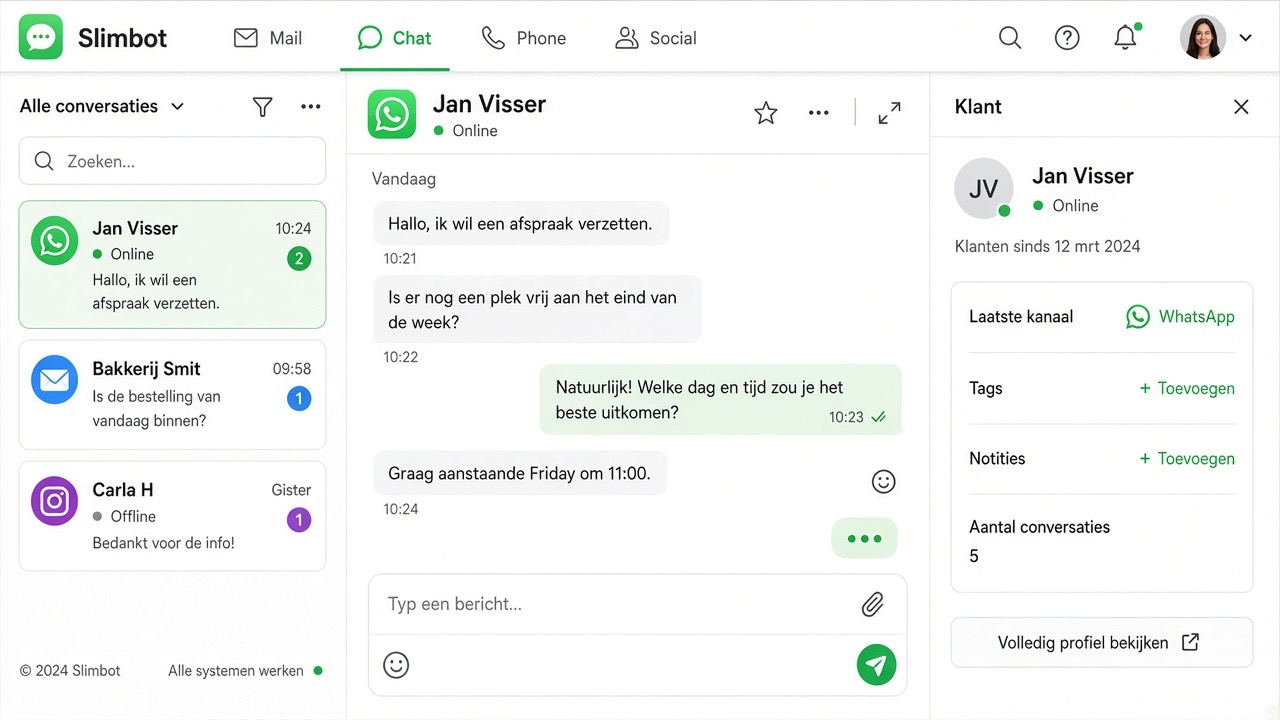
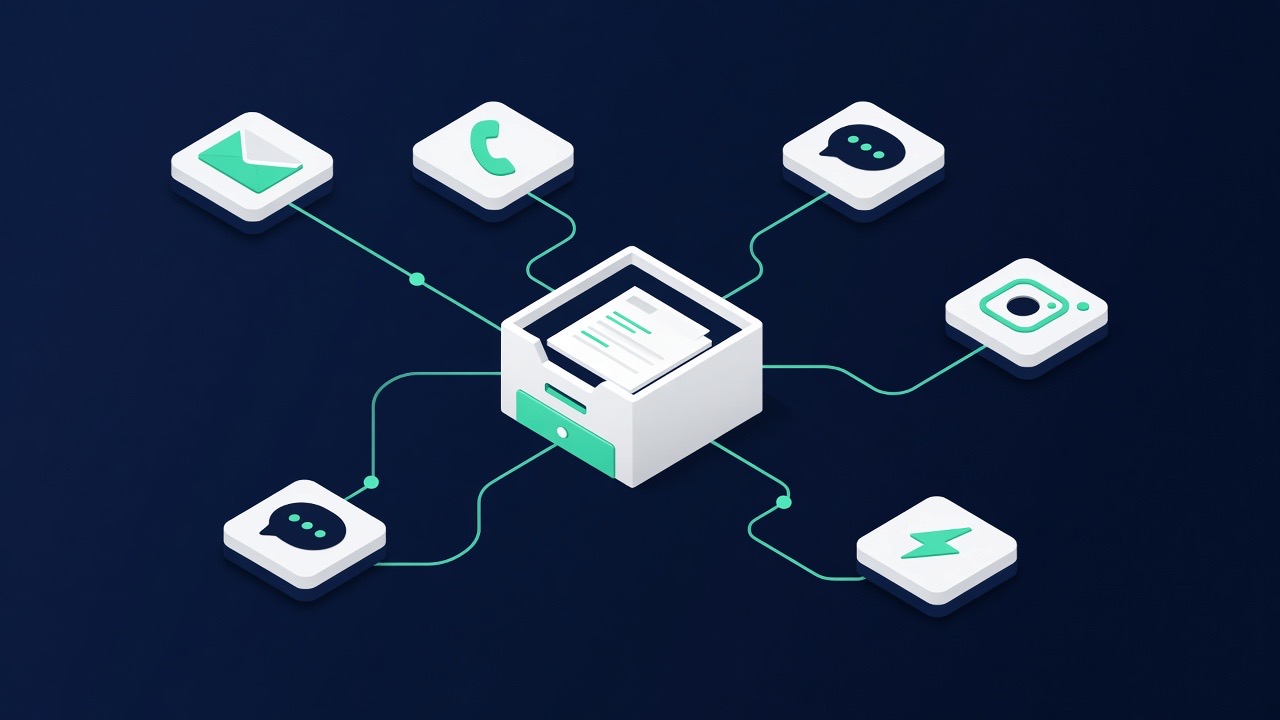
Slimbot works with WhatsApp in two ways. Most tools work with both, but there are real differences. Below you can see exactly which.
📱 App connection (QR)
You keep WhatsApp Business on your phone and scan one QR code.
- Start immediately, no approval needed
- Incoming messages fully automatic
- Groups work as normal
- You approach new contacts yourself from your app
☁️ WhatsApp Cloud (official API)
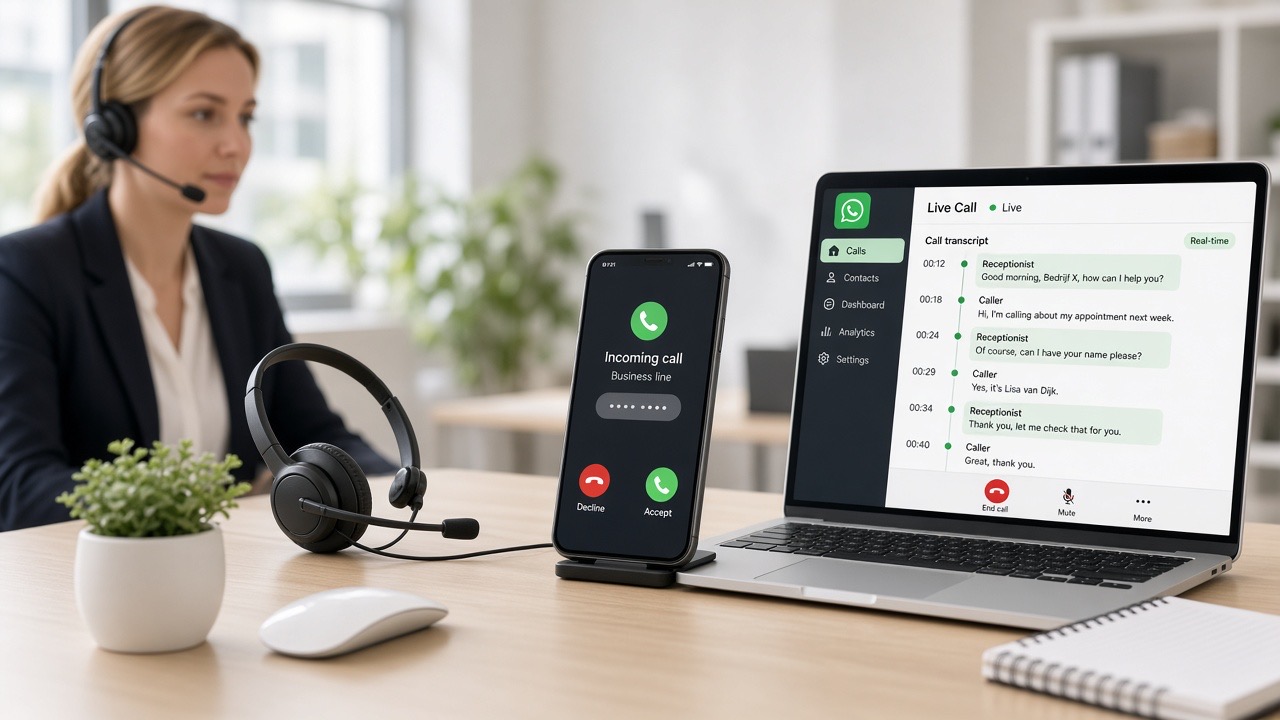
Fully on our servers — no phone needed.
- Contact new relations yourself via templates (with opt-in)
- Connect via Facebook — chats in Slimbot, no app on the phone
- Suitable for large volumes
- No groups or WhatsApp status — those belong to the app connection
✓ yes works fully
▲ limited works, with point of attention
✕ no not available
| Tool | App integration (QR) | WhatsApp Cloud |
|---|---|---|
| Messages & conversations | ||
| Messages / inbox | ✓ yes | ✓ yesOutside 24 hours after the last customer message, you can only reply with an approved template. |
| Edit chatbot | ✓ yes | ✓ yes |
| Contacts | ✓ yes | ✓ yes |
| Labels | ✓ yes | ✓ yes |
| Quick replies | ✓ yes | ✓ yes |
| Voice messages | ✓ yes | ▲ limitedSending is possible. Receiving in the inbox only works with an app connection. |
| Groups | ✓ yes | ✕ noWhatsApp groups do not work on Cloud. An app integration is required for that. |
| Internal team chat | ✓ yes | ✓ yes |
| Integration | ||
| QR connection | ✓ yes | ✕ noThis account works with WhatsApp Cloud, the official WhatsApp Business API. QR scanning is part of the WhatsApp app on a phone and is not needed here — your number runs via Meta. |
| WhatsApp app (QR) | ✓ yes | ✕ noQR connection belongs to the WhatsApp app on the phone. |
| WhatsApp Cloud | ✕ noCloud status, templates and Facebook connection belong to WhatsApp Cloud. | ✓ yes |
| Message templates | ✕ noApproved templates are only available with WhatsApp Cloud. | ✓ yesRequired to send outside 24 hours or to new contacts. |
| WhatsApp status | ✓ yes | ✕ noPosting statuses is only possible with an app connection (QR). |
| Outbound & campaigns | ||
| Fast sending | ▲ limitedOnly to people who have written to you before. Large numbers of unsolicited messages can block your number. | ✓ yesVia approved templates, with the recipient's consent (opt-in). |
| Bulk sending | ▲ limitedLimited and with a gentle sending rate — otherwise you risk your number being blocked. | ✓ yesVia approved templates, with the recipient's consent. |
| Scheduled | ✓ yes | ✓ yes |
| Facebook & website | ||
| Facebook & Instagram | ✓ yes | ✓ yesSame Facebook login as WhatsApp Cloud. Messenger/IG chats appear in Messages. |
| Website chat widget | ✓ yes | ✓ yes |
| Media studio | ✓ yes | ✓ yes |
| Sales & service | ||
| Catalogue / products | ✓ yes | ✓ yes |
| Payment links | ✓ yes | ✓ yes |
| Appointments / diary | ✓ yes | ✓ yes |
| Request reviews | ▲ limitedOnly send review requests to customers you've recently been in contact with. | ✓ yes |
| Quotes | ✓ yes | ✓ yes |
| Sales invoices | ✓ yes | ✓ yes |
| Calling & practising | ||
| Calling | ✓ yes | ✓ yes |
| Calling campaigns | ✓ yes | ✓ yes |
| Practice space | ✓ yes | ✓ yesPractise templates and the 24-hour window; sending to real customers remains Cloud policy. |
| Meetings | ✓ yes | ✓ yes |
| Insight & technology | ||
| Statistics | ✓ yes | ✓ yes |
| Analysis per chat | ✓ yes | ✓ yes |
| Integrations / API | ✓ yesAPI key works on both connections. Live events (incoming) are strongest on WhatsApp Cloud. | ✓ yes |
| What the assistant does in conversations | ||
| Schedule appointments | ✓ yes | ✓ yes |
| Forward to human | ✓ yes | ✓ yes |
| Quote request | ✓ yes | ✓ yes |
| FAQ / knowledge base | ✓ yes | ✓ yes |
| Save request | ✓ yes | ✓ yes |
| Call-back request | ✓ yes | ✓ yes |
| Calendar check | ✓ yes | ✓ yes |
| Notifications | ✓ yes | ✓ yes |
| Account management | ||
| Team & roles | ✓ yes | ✓ yes |
| Subscription & payment | ✓ yes | ✓ yes |
Get started →
Not sure? Start with the app integration — switching to Cloud is always possible later.