Multilingual customer service without extra staff
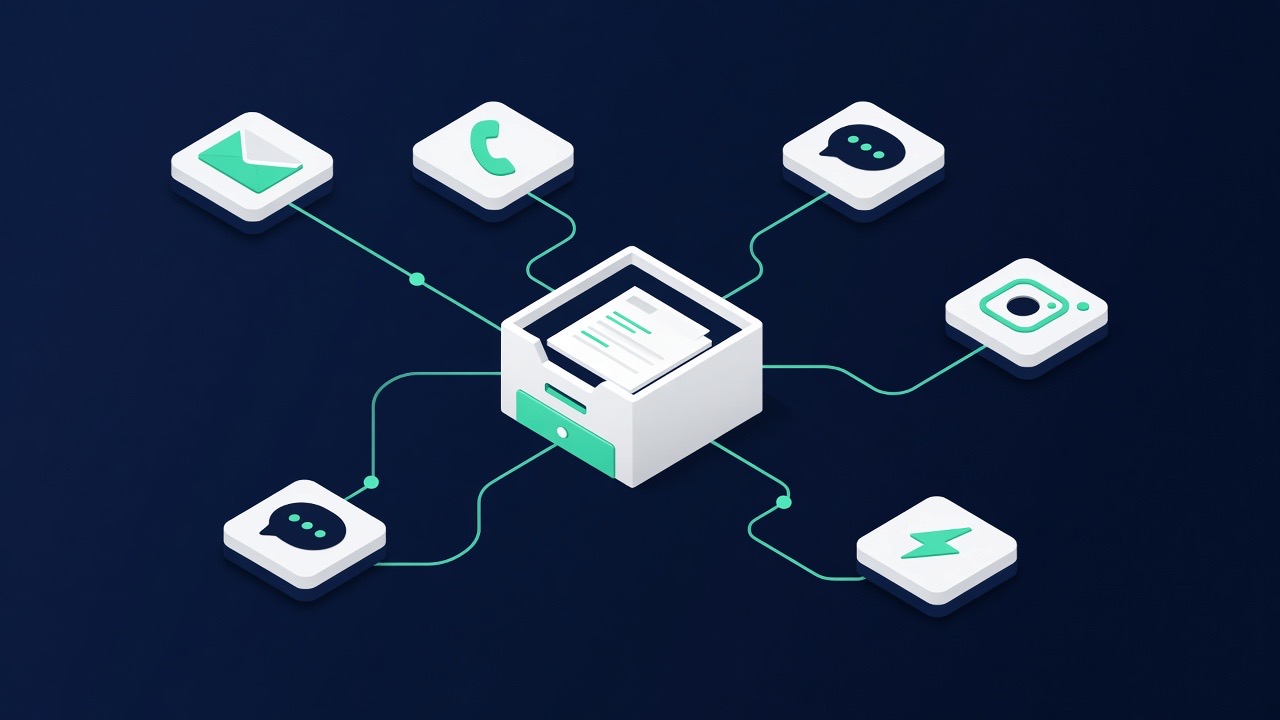
The Netherlands is a multilingual market. Business owners in construction, logistics, hospitality, care and services receive daily questions in English, German, Polish, Arabic, Turkish or French. For most SMEs it is not feasible to hire staff for this. A digital colleague can conduct those conversations — provided you determine in advance which languages you support, where the boundary lies and how follow-up takes place.
The problem: a question in a foreign language remains unanswered
What happens in practice with a message in Polish or Arabic is predictable: it slides down the inbox, gets answered later, or not at all. Sometimes the reply is cobbled together using a translation site, after which a second question still gets stuck. The result is a customer group you structurally miss out on, whilst there is nothing wrong with the enquiry itself.
Automatic multilingual support solves the first part: the customer receives an immediate response in their own language. It does not automatically solve the second part: the follow-up. That's where the most important design choice of this chapter lies.
Two models: fully multilingual or multilingual intake
Choose consciously between two setups.
- Fully multilingual. The entire conversation takes place in the customer's language, including appointments and confirmations. Suitable if your service is standardised and you can also handle the follow-up in that language — for example with fixed, pre-translated messages.
- Multilingual intake. The assistant conducts the initial conversation in the customer's language, collects all data and then places a summary with you in Dutch. The customer is told that a colleague will make contact and in which language this will happen.
For most SMEs, multilingual intake is the sensible starting point. You no longer lose requests, whilst you make no promises about support in a language you don't speak yourself.
Step-by-step guide
- Determine your language list. Look back in your inbox: which languages actually come up? Start with a maximum of three besides Dutch. More languages means more testing work and more chance of a conversation you can't follow up on.
- Define the promised service level per language. Fully multilingual or intake only? And in which language does the quote, invoice or confirmation follow?
- Translate your core knowledge. The basics — services, service area, opening hours, working methods — should be correct in every supported language. Automatic translation is a good starting point, but have the core texts checked by someone who speaks the language.
- Switch on language recognition. The assistant recognises the language of the incoming message and replies in the same language. Set what happens in case of doubt: usually fall back to Dutch with a short English line added.
- Set up the handover. When handing over to a human, a summary in Dutch is included, so your team can act immediately without having to translate themselves. See Inbox & messages.
- Also translate your standard texts. Appointment confirmations, reminders and out-of-office messages. See Schedule appointments via WhatsApp.
- Test per language. Have someone who speaks the language conduct three conversations: an information question, a price question and a complaint. Pay particular attention to forms of politeness — these vary greatly per language.
- Roll out per channel. Start with WhatsApp and the website widget; only add phone answering once the text channels are running smoothly, because speech in a foreign language places higher demands.
What automatic translation is not suitable for
Be strict about this. Never allow the following to be automatically translated without checking:
- Legal texts — terms and conditions, guarantee provisions, liability.
- Safety instructions — anything where a misunderstanding could lead to damage or injury.
- Medical or care-related information.
- Final price agreements and payment terms.
For these topics, you have the assistant refer to a team member or to the official, human-verified translation. This is not a limitation of the technology but a deliberate choice to avoid risk.
Tone and form of address per language
A literal translation of your Dutch texts sometimes sounds too direct or too formal in other languages. German is generally more formal than Dutch; English is more informal; in Arabic and Turkish a polite greeting carries more weight. Take this into account in your persona settings, so that the assistant maintains the right tone for each language. See Chatbot & website widget for where you set tone and style.
Checklist
- You have an explicit list of supported languages — not "all languages".
- For each language, it is defined whether it concerns full service or intake only.
- Core data (services, service area, opening hours) are checked in every language.
- The assistant introduces itself in every language as a digital colleague.
- Legal, medical and safety matters always go to a human.
- On handover, your team receives a summary in Dutch.
- Standard messages (confirmation, reminder, absence) exist in every supported language.
- Every language has been tested at least once by someone who speaks the language.
- The customer hears in which language the follow-up takes place.
Common mistakes
- Switch on all languages at once. You cannot test what you do not speak. Start small and expand based on what actually comes in.
- Promising what you don't deliver. A smooth conversation in Polish followed by a Dutch quote without warning feels like a miss.
- Not having translated texts checked. Automatic translation goes wrong especially with technical jargon; one incorrectly translated technical term can render a quote unusable.
- Switching language mid-conversation. If a customer starts in English and later uses a Dutch word, the assistant should not switch. Establish that the language is determined per conversation.
- Handover without summary. Your team member then receives a conversation in a language they cannot read and cannot continue.
- Phone answering as the first multilingual channel. Accents and background noise make speech harder than text; start with text.
Frequently asked questions
In which languages can the assistant conduct conversations?
The assistant can conduct conversations in a large number of commonly used languages, including English, German, French, Polish, Arabic and Turkish. More important than the number is your own choice: only support languages for which you can arrange follow-up and which you have tested.
How does the assistant know which language to answer in?
It recognises the language of the incoming message and replies in that same language. For short or mixed messages you set a fallback language — usually Dutch, possibly with a short English line so the customer can indicate which language they prefer.
Is automatic translation good enough for my customers?
Usually yes for ordinary customer questions: opening hours, service area, availability and general explanation. Not for technical jargon, legal texts, safety instructions and final price agreements — have those checked by a human or forwarded to a team member.
Can I have one language handled automatically and the rest not?
Yes. You determine the service level per language. A common setup is: Dutch and English fully automatic, other languages only as intake after which a team member takes over. The customer is immediately told when and in which language they will receive a reply.
Does the customer notice that automatic translation is happening?
The assistant always introduces itself as a digital colleague, in the language of the conversation. That is transparent and prevents surprises. For the customer, what matters most is that they receive an immediate and comprehensible answer, and know how to reach a team member.
Does multilingual also work on my website and on the phone?
Yes, the same knowledge and language list apply to the website widget, e-mail and phone answering. Do start with the text channels: speech in a foreign language is more sensitive to accents and background noise and requires extra testing.